Combining URL Webview and Postback Buttons for Seamless In-Chat Workflows
Master the difference between URL webview and postback action buttons to architect fluid multi-step sales funnels.
1. Strategic Overview & Operational Challenge
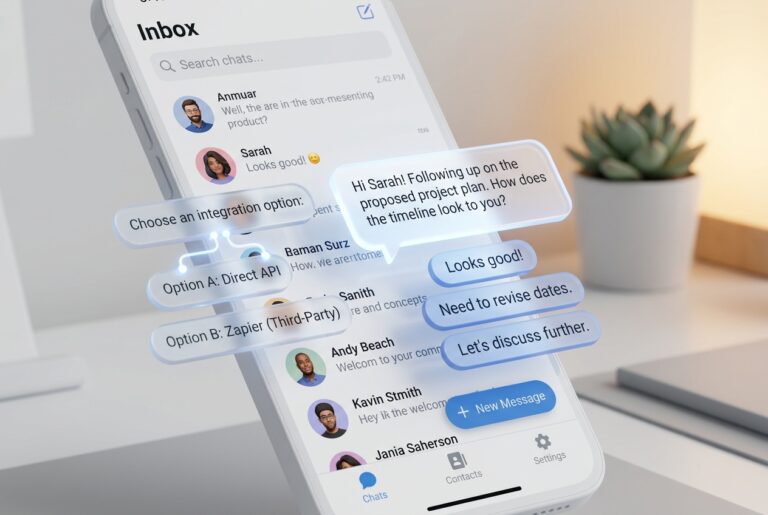
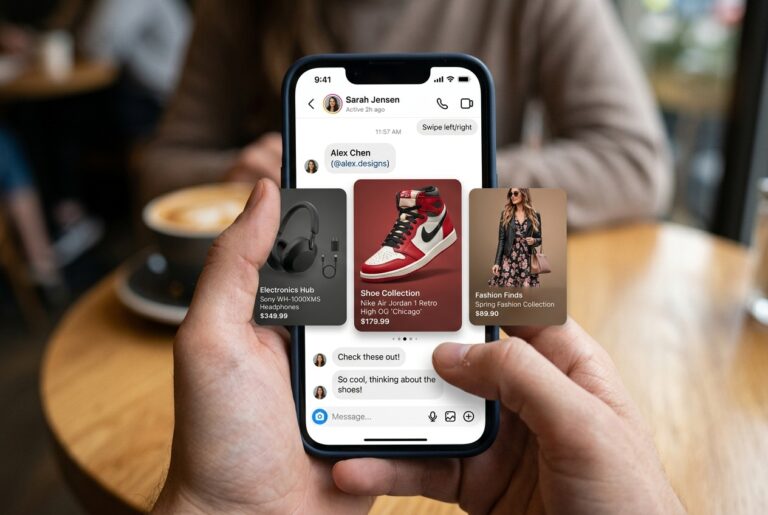
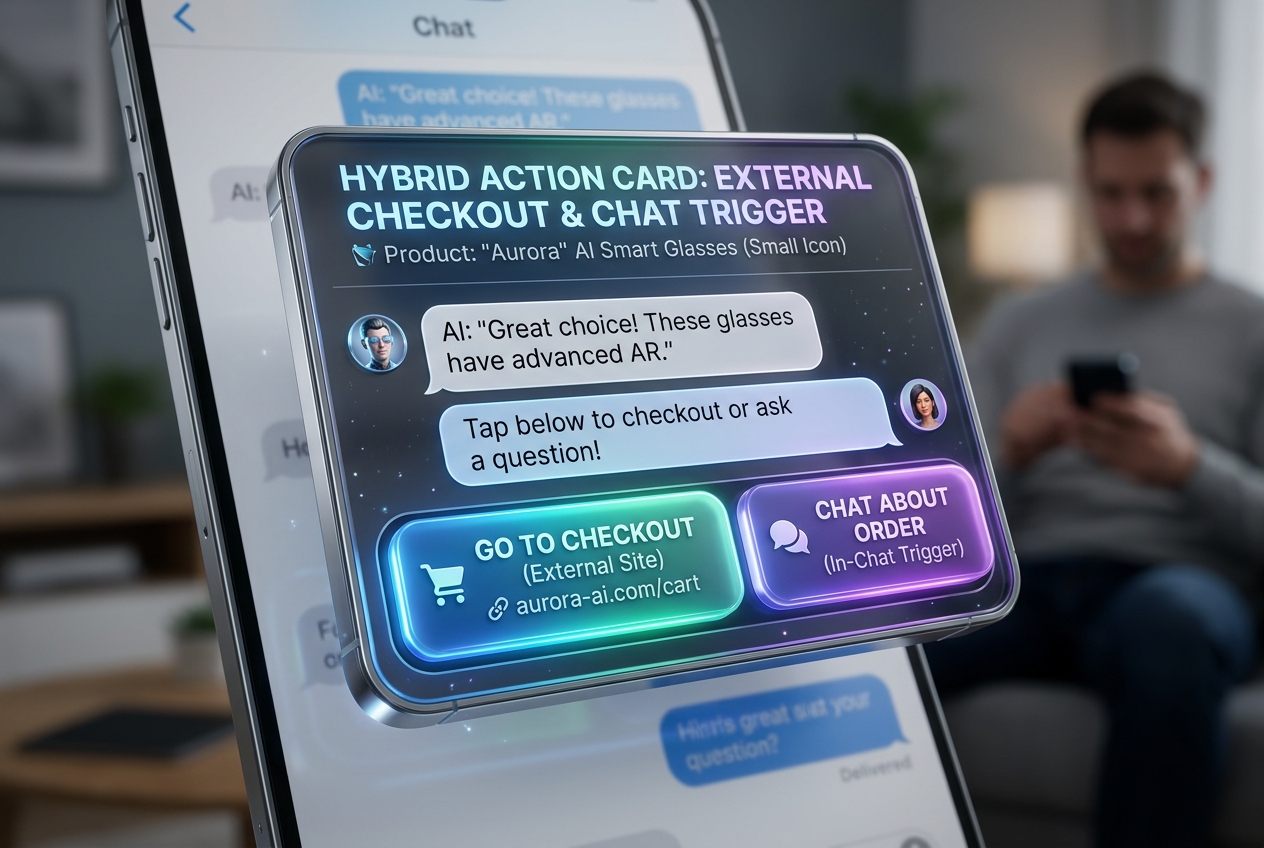
High-performing social checkouts require flexibility: giving buyers the option to either jump straight to the website or continue chatting in-app.
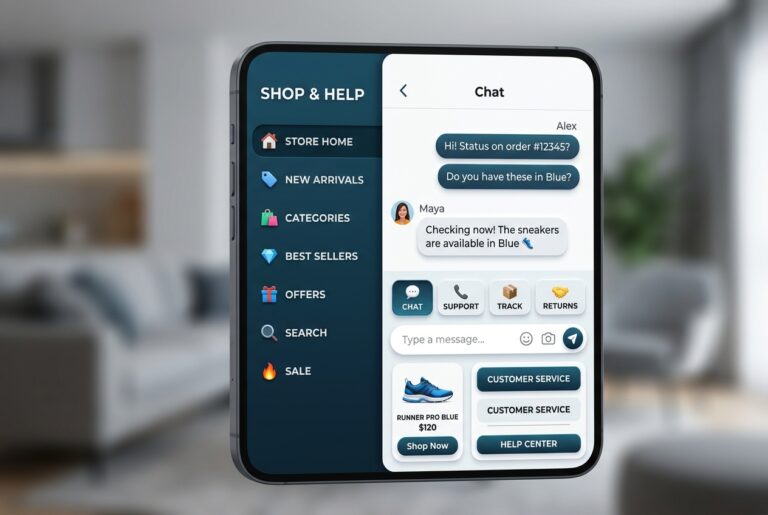
With Odirect Button Templates, combine an external checkout URL button with an interactive in-chat action button in a single unified message card.
2. Performance Comparison: Manual Handling vs. Odirect Automation
| Metric & Capability | Traditional Manual Handling | Odirect Official Automation |
|---|---|---|
| Hybrid Action Button Layouts | Relying on basic single-purpose buttons that disrupt multi-step flows | Seamless coexistence of direct web checkout buttons and in-chat branch triggers |
| Security & Meta Compliance | High risk of spam action blocks and credential fatigue | 100% compliant via official Meta Graph API webhooks |
| Response Velocity & Conversion Rate | Delayed by hours; customer dopamine cools and sales drop | Under 2 seconds; captures impulse purchases instantly |
3. Step-by-Step Implementation Guide
- Create Button Template in Odirect campaign builder
- Configure Button 1 as Webview URL pointing to checkout
- Configure Button 2 as Postback action triggering the next conversational step
- Validate both actions on mobile
4. Frequently Asked Questions
Does the postback button consume data for the user?
No, it transmits lightweight webhook payloads instantly.
Can click-to-call links be used in buttons?
Yes, standard tel: protocols are supported in webview buttons.