Building a Persistent Navigation Menu Inside Instagram Direct Messages
Anchor an always-accessible navigational menu inside Instagram DMs so shoppers never lose your catalog or support links.
1. Strategic Overview & Operational Challenge
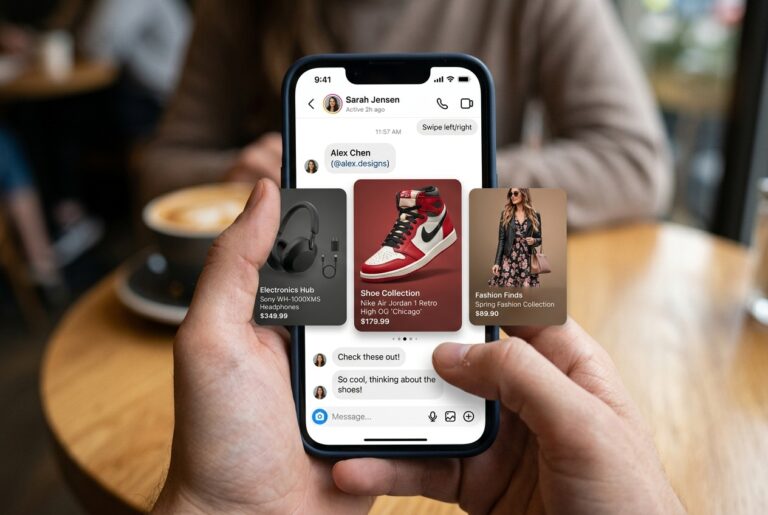
As conversations lengthen, critical links get buried under chat bubbles, forcing shoppers to re-ask repetitive questions.
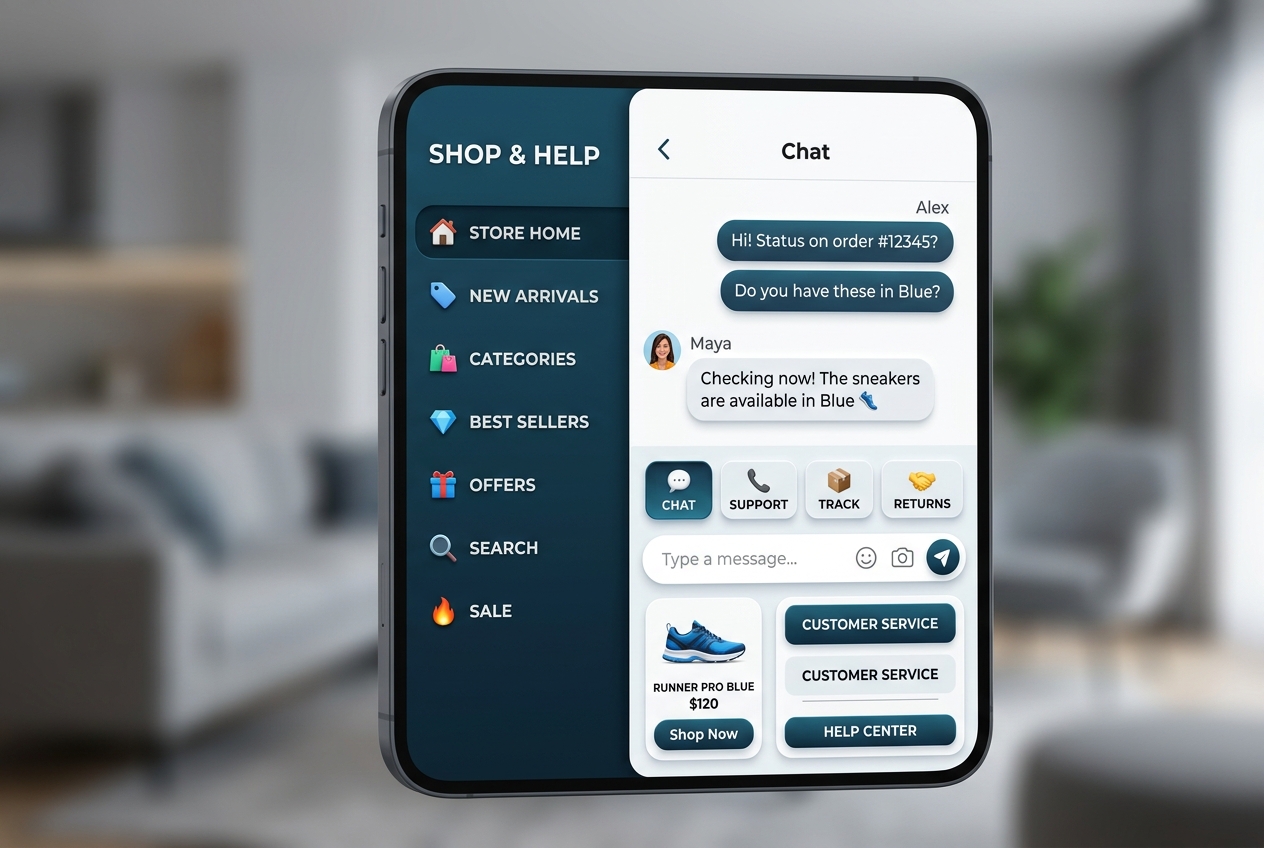
Odirect Persistent Menu anchors a native navigation drawer right beside the chat input bar, giving buyers 24/7 one-tap access to your core web properties.
2. Performance Comparison: Manual Handling vs. Odirect Automation
| Metric & Capability | Traditional Manual Handling | Odirect Official Automation |
|---|---|---|
| Persistent In-Chat Menu | Important links get buried and lost as chat conversations extend | Always-accessible menu drawer pinned alongside the message composer |
| Security & Meta Compliance | High risk of spam action blocks and credential fatigue | 100% compliant via official Meta Graph API webhooks |
| Response Velocity & Conversion Rate | Delayed by hours; customer dopamine cools and sales drop | Under 2 seconds; captures impulse purchases instantly |
3. Step-by-Step Implementation Guide
- Enable PersistentMenu in Odirect settings
- Define menu entries with direct web URLs or trigger commands
- Structure hierarchy based on highest-traffic inquiries
- Publish live to sync with Meta Graph API
4. Frequently Asked Questions
Does Persistent Menu show across all smartphones?
Yes, natively supported in official Instagram mobile apps for iOS and Android.
How many items can it hold?
Meta guidelines support multiple core actions and nested options.