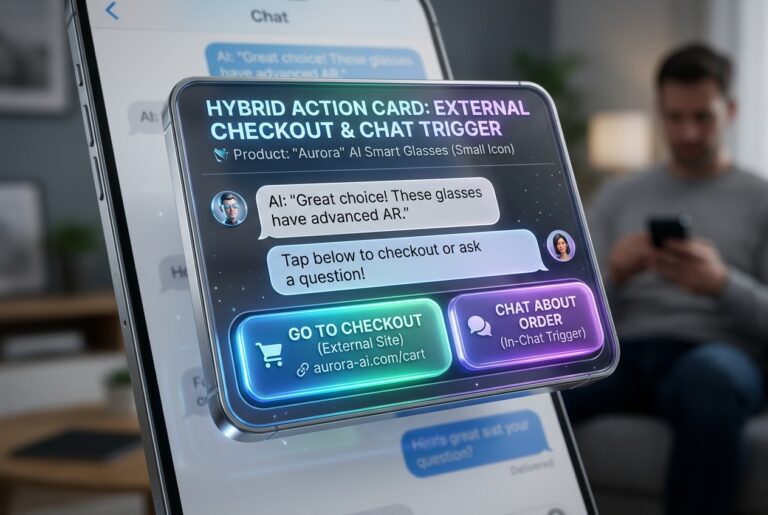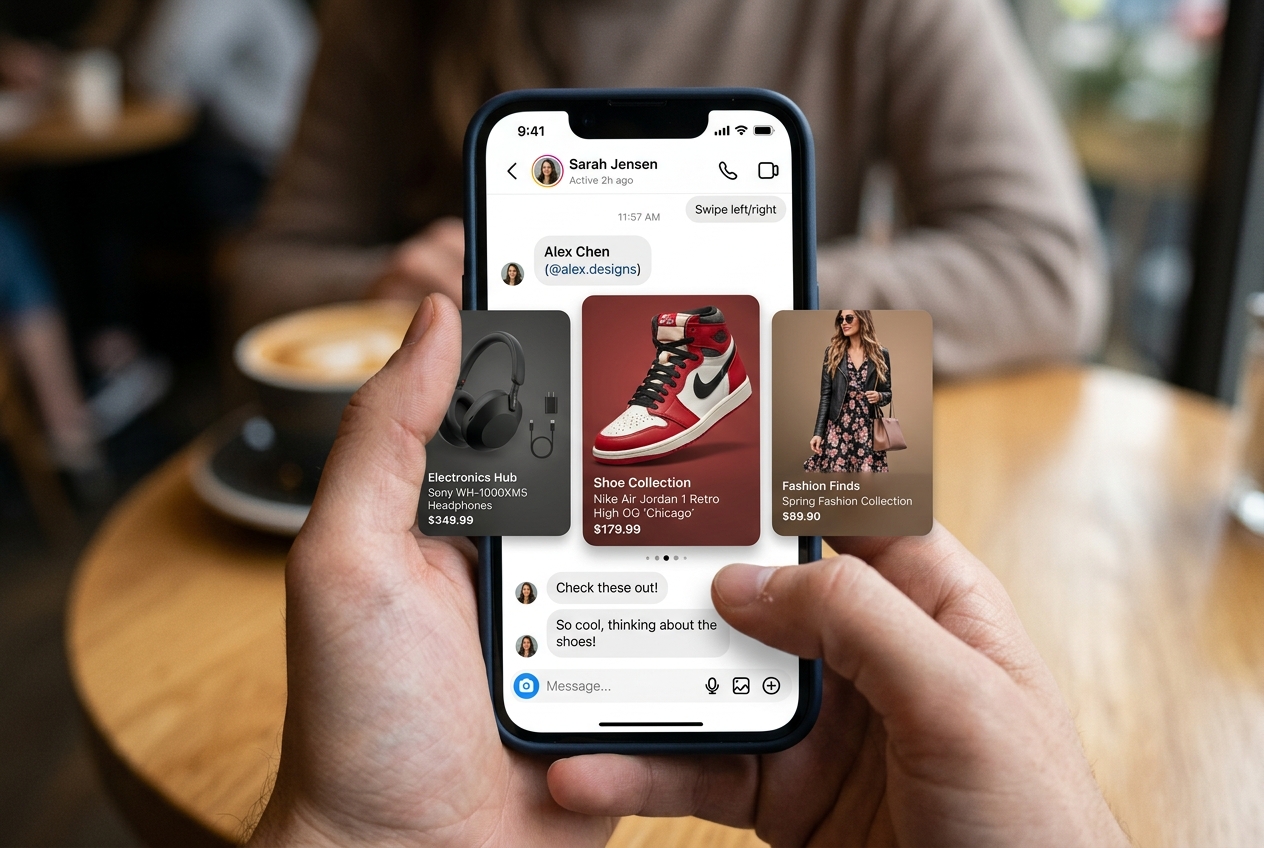
Architecting Multi-Card Category Carousels for Instagram Conversational Commerce
Build intuitive category sliders inside Instagram DMs to allow shoppers to explore your entire collection seamlessly.
1. Strategic Overview & Operational Challenge
New visitors rarely know the full breadth of your product lines. Presenting categories as text lists fails to inspire purchase intent.
By deploying an Odirect Generic Template featuring distinct category cards, buyers swipe across product lines and tap dedicated buttons to view filtered selections.
2. Performance Comparison: Manual Handling vs. Odirect Automation
| Metric & Capability | Traditional Manual Handling | Odirect Official Automation |
|---|---|---|
| Visual Category Browsing | Sending text walls describing store departments that nobody reads | Swipeable multi-card visual catalog representing distinct product lines |
| Security & Meta Compliance | High risk of spam action blocks and credential fatigue | 100% compliant via official Meta Graph API webhooks |
| Response Velocity & Conversion Rate | Delayed by hours; customer dopamine cools and sales drop | Under 2 seconds; captures impulse purchases instantly |
3. Step-by-Step Implementation Guide
- Identify core high-margin store departments
- Prepare cohesive imagery formatted to standard aspect ratios
- Populate title, subtitle, and checkout URLs across carousel cards
- Map to your main welcome or IceBreaker trigger
4. Frequently Asked Questions
Should carousel card images share identical dimensions?
Yes, uniform 1:1 or 1.91:1 ratios ensure consistent visual aesthetics.
Can each card have multiple buttons?
Yes, Meta supports up to 3 action buttons per carousel card.