Why Instagram Automated DMs Stop Sending: 5 Common Causes and Fixes
Diagnose and resolve the primary causes behind failed Instagram DM automations to restore instant customer replies.
1. Strategic Overview & Operational Challenge
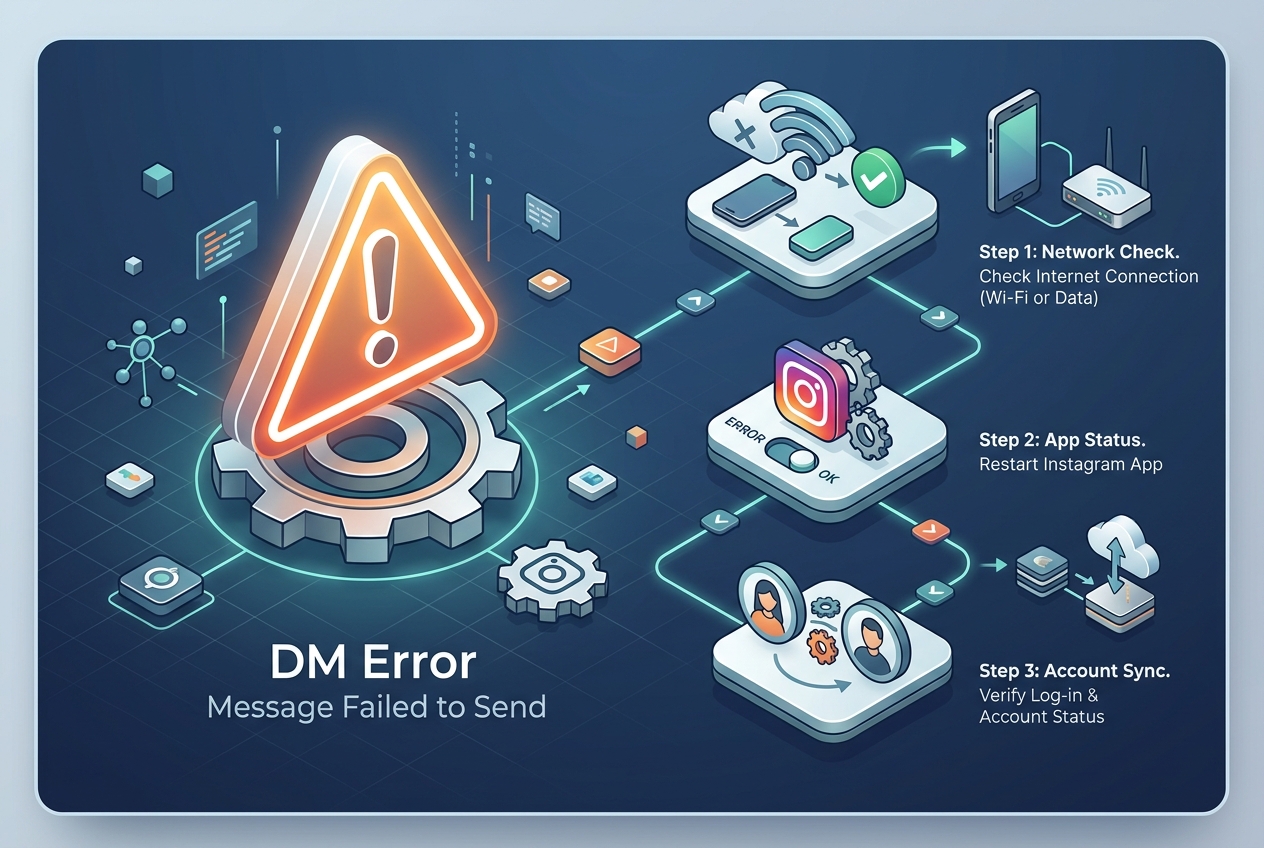
When automated direct messages abruptly fail, prospects assume abandonment. The breakdown typically stems from expired Facebook Page access tokens, Instagram password resets, or disabled Connected Tools in app settings.
Odirect captures all delivery exceptions returned by Meta Graph API. Identifying status codes like 190 (invalid token) or 10 (insufficient permissions) enables recovery in under one minute.
2. Performance Comparison: Manual Handling vs. Odirect Automation
| Metric & Capability | Traditional Manual Handling | Odirect Official Automation |
|---|---|---|
| Webhook Delivery & Error Telemetry | Silent message failures dropping sales leads unnoticed | Real-time Meta API status tracking and token recovery |
| Security & Meta Compliance | High risk of spam action blocks and credential fatigue | 100% compliant via official Meta Graph API webhooks |
| Response Velocity & Conversion Rate | Delayed by hours; customer dopamine cools and sales drop | Under 2 seconds; captures impulse purchases instantly |
3. Step-by-Step Implementation Guide
- Verify Facebook Page connection to Instagram Professional profile in Meta Business Suite
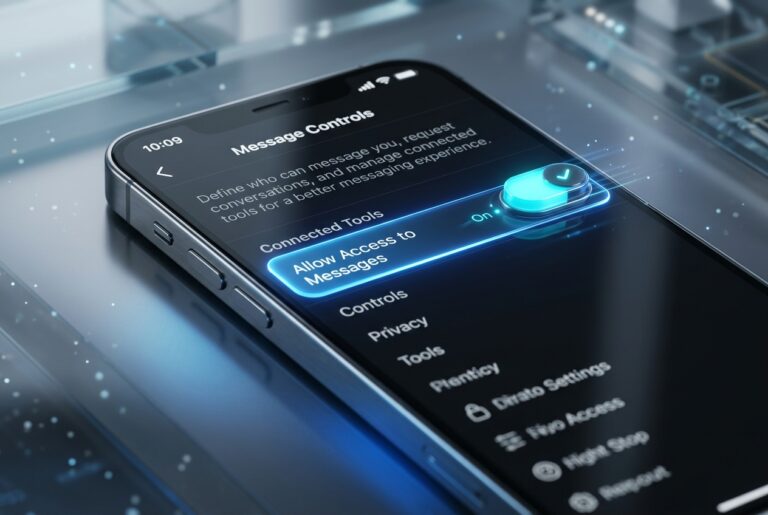
- Ensure Allow Access to Messages toggle is enabled in Instagram mobile app settings
- Check token expiration state inside Odirect dashboard and refresh connection if prompted
- Send a test keyword message from a secondary account to verify real-time webhook response
4. Frequently Asked Questions
Does changing my Instagram password invalidate automation?
Yes; password modifications immediately revoke active OAuth tokens, requiring account reconnection.
Why do some users receive automated DMs while others do not?
Accounts with strict privacy boundaries, blocked profiles, or interactions outside the 24-hour window cannot receive automated payloads.