Fixing Instagram Connected Tools Error: Enable Allow Access to Messages
Step-by-step walkthrough to activate Allow Access to Messages inside Instagram settings to authorize official API delivery.
1. Strategic Overview & Operational Challenge
The most frequent barrier in configuring automated messaging is the disabled Connected Tools switch in the mobile app. Meta requires explicit owner consent before routing webhook events to external platforms.
If this toggle remains off, Meta Graph API silently drops incoming messaging events regardless of token validity. Enabling it requires only seconds within Instagram Settings.
2. Performance Comparison: Manual Handling vs. Odirect Automation
| Metric & Capability | Traditional Manual Handling | Odirect Official Automation |
|---|---|---|
| Connected Tools API Authorization | Webhooks permanently blocked due to native mobile privacy toggle | Pre-flight validation ensuring permissions are active before scenario launch |
| Security & Meta Compliance | High risk of spam action blocks and credential fatigue | 100% compliant via official Meta Graph API webhooks |
| Response Velocity & Conversion Rate | Delayed by hours; customer dopamine cools and sales drop | Under 2 seconds; captures impulse purchases instantly |
3. Step-by-Step Implementation Guide
- Open official Instagram mobile app and navigate to Settings and privacy
- Select Messages and story replies section
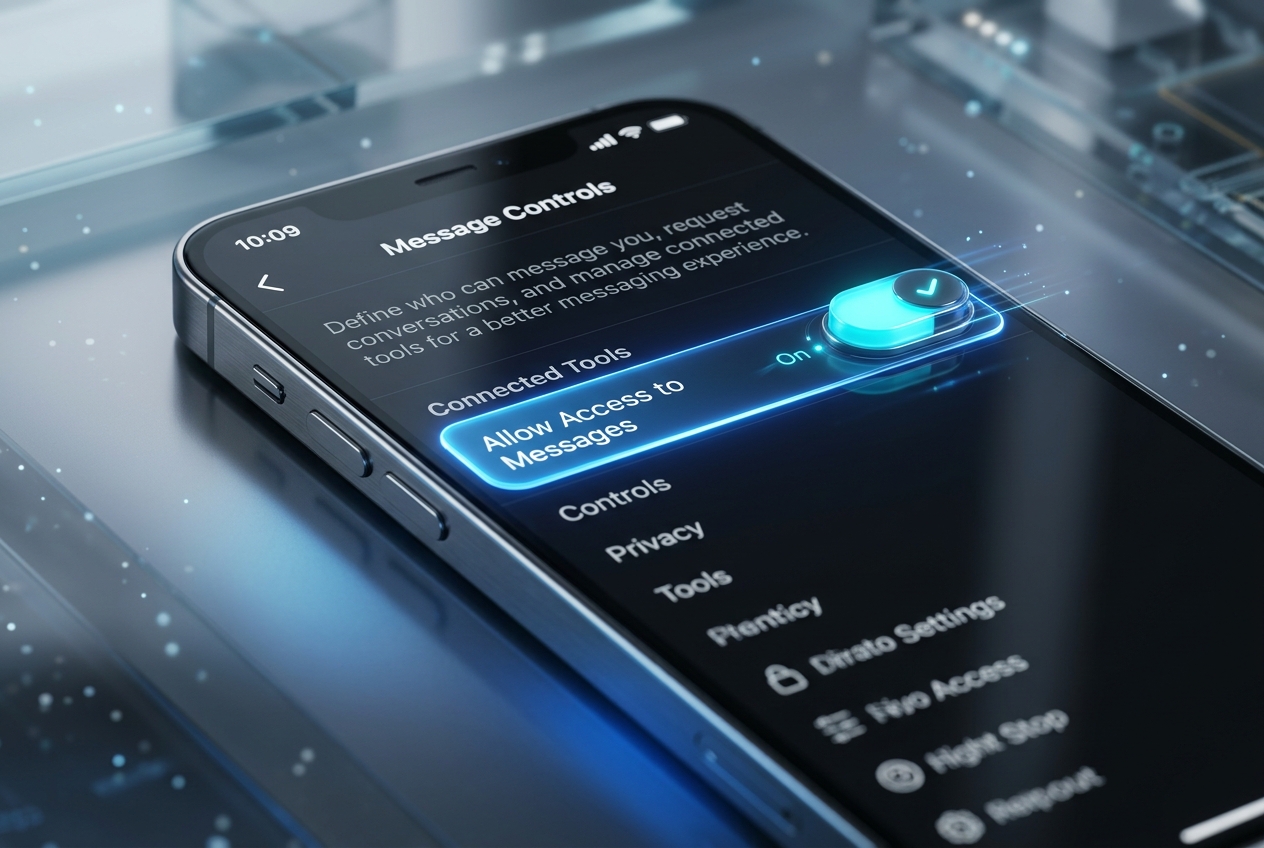
- Tap on Message controls settings
- Scroll to Connected tools section and switch Allow access to messages to ON
4. Frequently Asked Questions
Why is Connected tools missing in my settings?
This configuration only appears on Professional accounts (Business or Creator); personal accounts lack this drawer.
Does toggling this on compromise account security?
No; it utilizes standard Meta Graph API endpoints authorized strictly through official Facebook Page permissions.