Automating Global Direct Message Responses with DEFAULT_DM Triggers
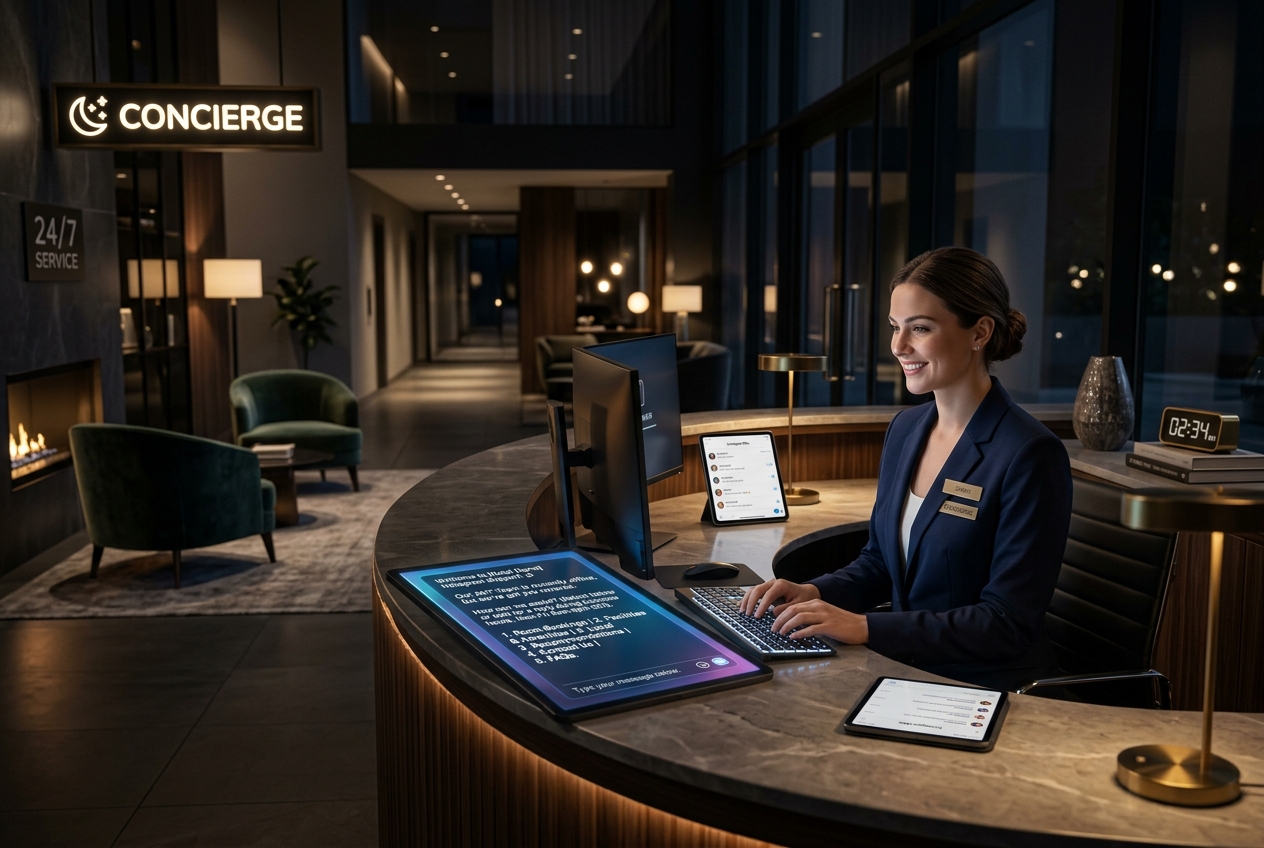
Ensure zero incoming inquiries go unanswered by configuring a 24/7 conversational fallback via DEFAULT_DM triggers.
1. Strategic Overview & Operational Challenge
Shoppers often open conversations with generic greetings. Without an immediate acknowledgement, buyers bounce to competitors.
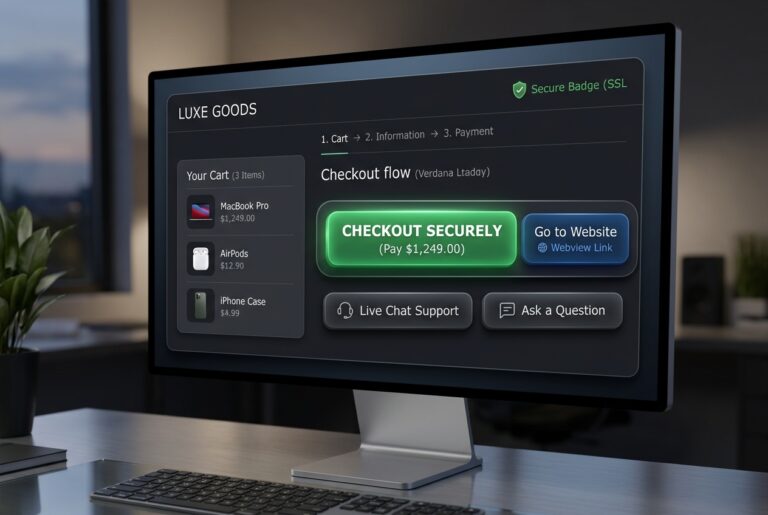
Odirect DEFAULT_DM catches every message that bypasses specific keyword rules, instantly delivering a warm acknowledgement paired with intuitive navigation buttons.
2. Performance Comparison: Manual Handling vs. Odirect Automation
| Metric & Capability | Traditional Manual Handling | Odirect Official Automation |
|---|---|---|
| Global Catch-All DM Auto-Reply | Prospects waiting hours for an initial greeting during off-hours | Instant greeting delivering automated navigation menus 24/7 |
| Security & Meta Compliance | High risk of spam action blocks and credential fatigue | 100% compliant via official Meta Graph API webhooks |
| Response Velocity & Conversion Rate | Delayed by hours; customer dopamine cools and sales drop | Under 2 seconds; captures impulse purchases instantly |
3. Step-by-Step Implementation Guide
- Select DEFAULT_DM trigger in Odirect dashboard
- Draft welcoming greeting outlining store services
- Attach Button Template linking to catalog and FAQ
- Toggle is_active to live status
4. Frequently Asked Questions
Does DEFAULT_DM overwrite specific keyword rules?
No, keyword automations evaluate first; DEFAULT_DM acts strictly as a fallback.
Can follow-gating be applied here?
Yes, the is_follower_required filter is fully supported.