Crafting Native Button Template Messages for High-CTR Web Links
Maximize link click-through rates by formatting product URLs and forms using official Meta Button Templates.
1. Strategic Overview & Operational Challenge
Raw plain-text links appear unverified, leading cautious shoppers to avoid clicking. To establish buyer trust and maximize click-through rates, structured button layouts are essential.
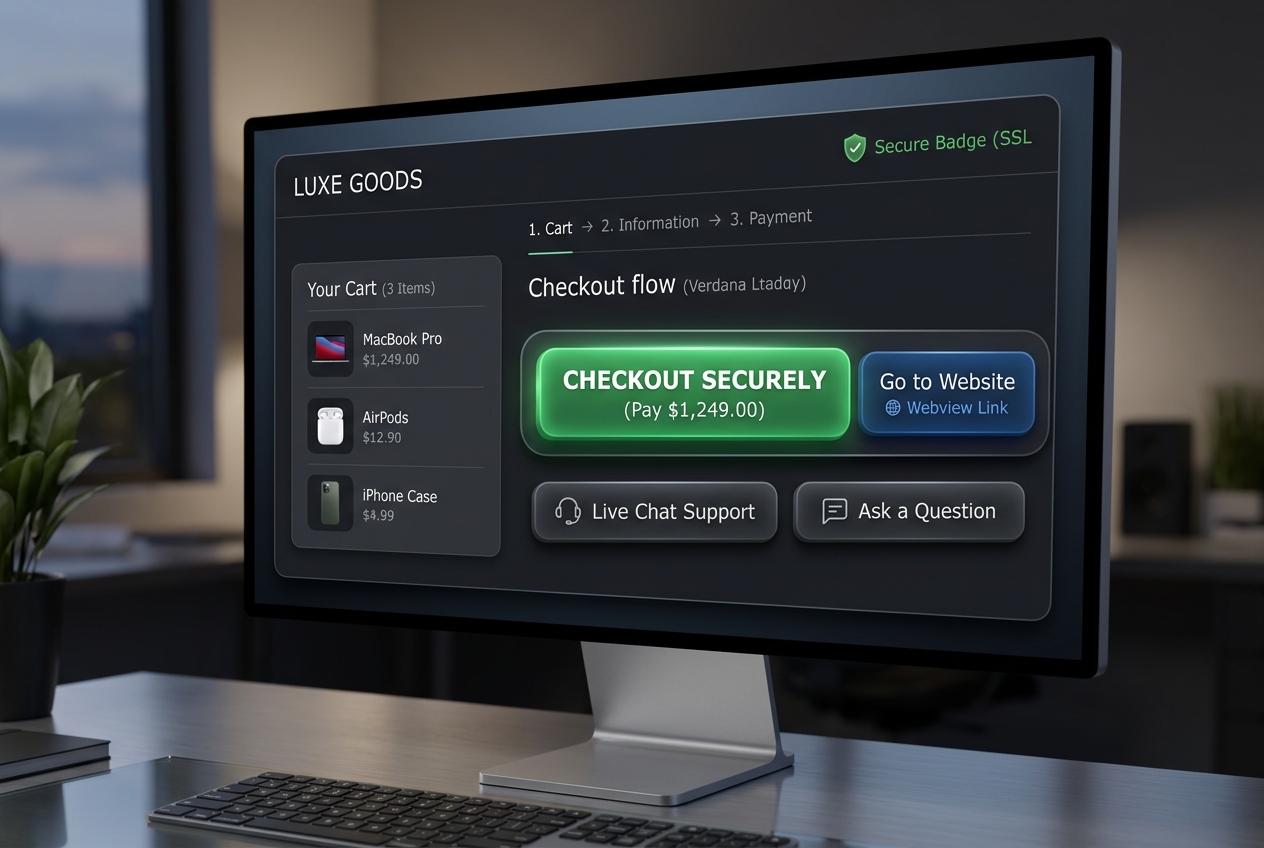
Odirect Button Template capability pairs custom explanatory copy with up to 3 official high-contrast action buttons directing buyers straight into secure checkouts.
2. Performance Comparison: Manual Handling vs. Odirect Automation
| Metric & Capability | Traditional Manual Handling | Odirect Official Automation |
|---|---|---|
| Official Button Template Layout | Dropping raw ugly text URLs that users hesitate to tap | Polished call-to-action cards featuring prominent tappable webview buttons |
| Security & Meta Compliance | High risk of spam action blocks and credential fatigue | 100% compliant via official Meta Graph API webhooks |
| Response Velocity & Conversion Rate | Delayed by hours; customer dopamine cools and sales drop | Under 2 seconds; captures impulse purchases instantly |
3. Step-by-Step Implementation Guide
- Choose Button Template as outbound message format
- Draft concise persuasive copy explaining the next action
- Attach secure destination HTTPS URL and configure button label
- Save and test rendering directly inside Instagram DM
4. Frequently Asked Questions
Do buttons open links inside the Instagram in-app browser?
Yes, links load seamlessly inside Instagram integrated browser.
How many buttons can be attached per message?
Meta guidelines permit up to 3 buttons per Button Template.