Designing 1-Tap Conversational Branches with Meta Quick Replies
Guide prospects effortlessly through discovery funnels using native Quick Reply chips that remove typing friction entirely.
1. Strategic Overview & Operational Challenge
Prompting customers to type text answers results in spelling mistakes and high drop-off rates. If a user mistypes an answer, automated keyword logic fails to trigger.
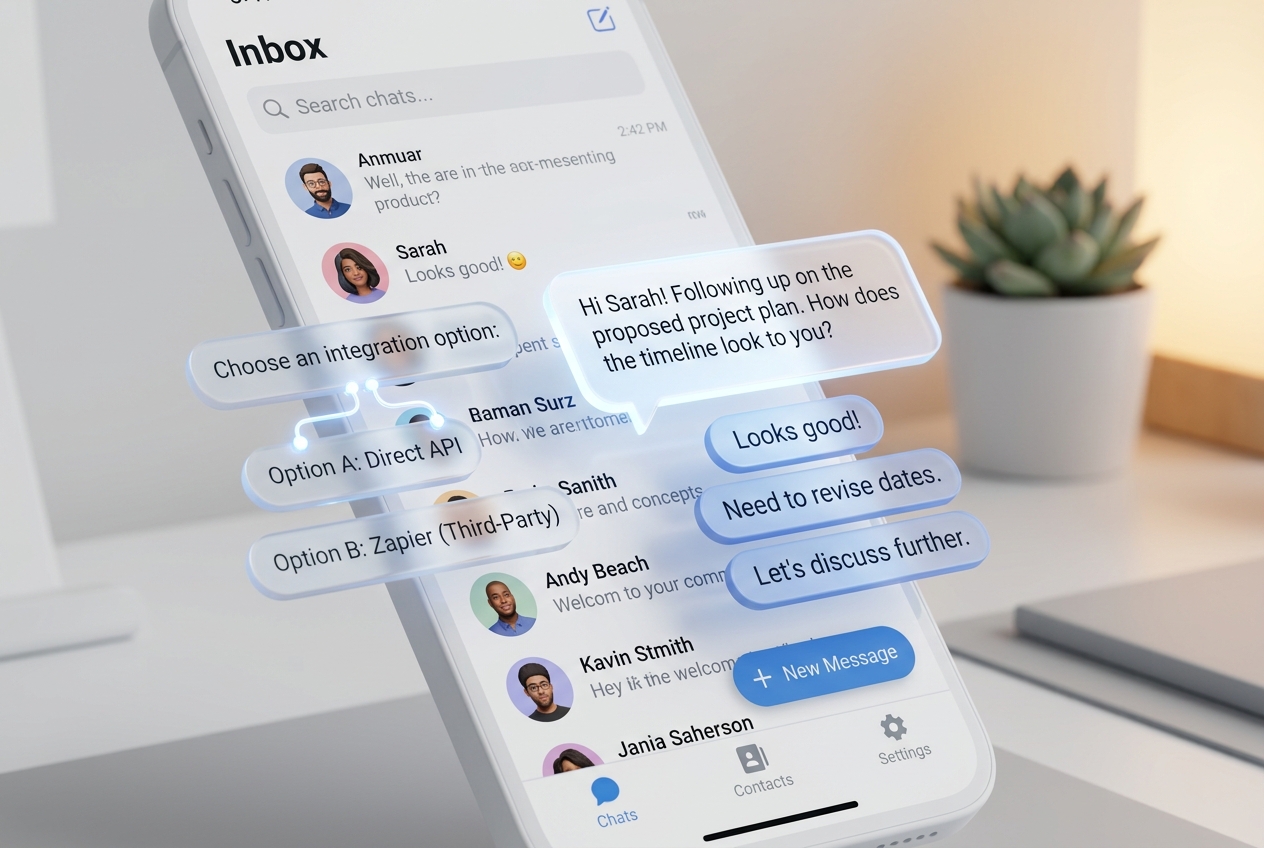
With Odirect Quick Replies, designated choices appear as interactive chips directly above the mobile keyboard. Tapping an option immediately fires the designated workflow.
2. Performance Comparison: Manual Handling vs. Odirect Automation
| Metric & Capability | Traditional Manual Handling | Odirect Official Automation |
|---|---|---|
| 1-Tap Quick Replies | Forcing users to type full words leading to frequent typographical mistakes | Native pill-shaped action chips for instantaneous 1-tap responses |
| Security & Meta Compliance | High risk of spam action blocks and credential fatigue | 100% compliant via official Meta Graph API webhooks |
| Response Velocity & Conversion Rate | Delayed by hours; customer dopamine cools and sales drop | Under 2 seconds; captures impulse purchases instantly |
3. Step-by-Step Implementation Guide
- Set MessageType to quick_replies in your Odirect workflow
- Define button titles (e.g., ‘Men’, ‘Women’, ‘Sale’)
- Map KEYWORD_DM rules matching the exact button labels
- Test response chaining on mobile
4. Frequently Asked Questions
What distinguishes Quick Replies from button templates?
Button templates remain permanently inside the chat bubble, whereas Quick Replies disappear once tapped to keep conversations tidy.
What is the limit for Quick Reply chips?
Meta supports up to 13 quick reply chips per payload.