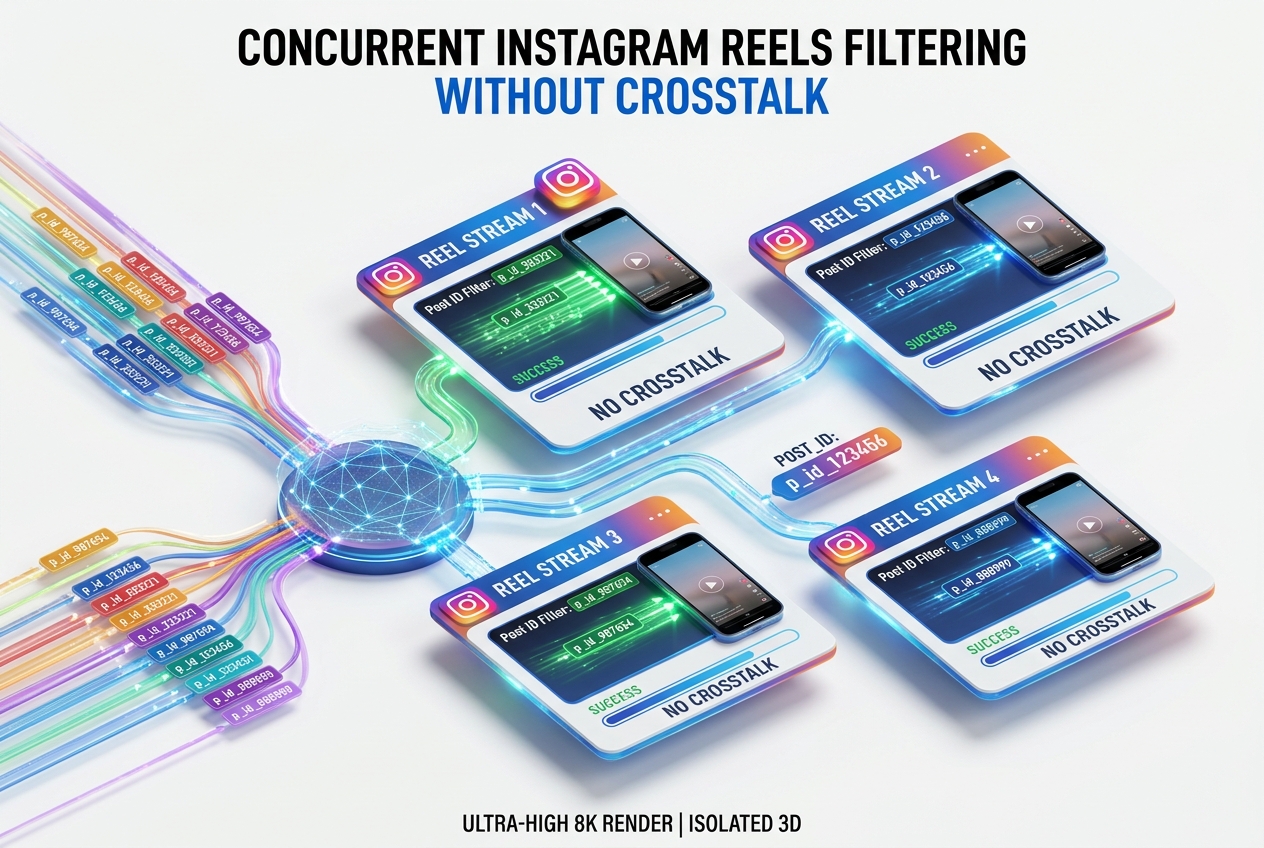
Isolating Multiple Concurrent Reel Campaigns with Dedicated post_id Filters
Run multiple simultaneous product drops without cross-campaign pollution using Odirect post_id parameters.
1. Strategic Overview & Operational Challenge
High-volume brands publish multiple Reels daily. If each Reel asks viewers to comment ‘BUY’, without post_id filtering, the bot cannot distinguish which item the customer wants.
By assigning distinct post_id values, a user commenting ‘BUY’ on Reel A receives footwear links, while commenting ‘BUY’ on Reel B delivers outerwear links flawlessly.
2. Performance Comparison: Manual Handling vs. Odirect Automation
| Metric & Capability | Traditional Manual Handling | Odirect Official Automation |
|---|---|---|
| Granular post_id Campaign Isolation | Product links crossing over between concurrent Reels, confusing buyers | Isolated, dedicated automation funnels for every active Reel simultaneously |
| Security & Meta Compliance | High risk of spam action blocks and credential fatigue | 100% compliant via official Meta Graph API webhooks |
| Response Velocity & Conversion Rate | Delayed by hours; customer dopamine cools and sales drop | Under 2 seconds; captures impulse purchases instantly |
3. Step-by-Step Implementation Guide
- Copy unique post_id identifier following Reel publication
- Create dedicated KEYWORD_COMMENT rules for each featured SKU
- Paste corresponding post_id into its respective rule
- Test each Reel independently via mobile comment
4. Frequently Asked Questions
Where do we locate the post_id?
Directly inside your Odirect media picker or from the Instagram post URL.
How many concurrent post_ids can be managed?
Unlimited. You can manage distinct rules across hundreds of active posts.