How the In-Chat Follow Verification Button Checks Profile Status Before Message Delivery
Explore how Odirect interactive button flows re-verify user follow actions seamlessly inside Instagram direct chats.
1. Strategic Overview & Operational Challenge
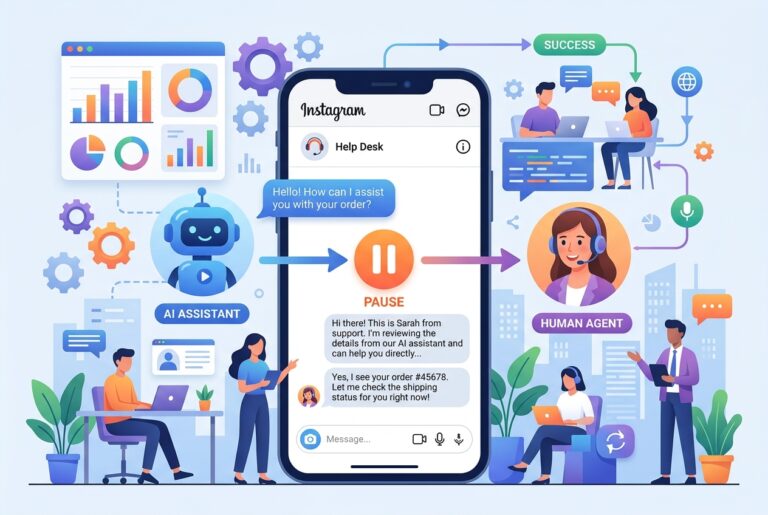
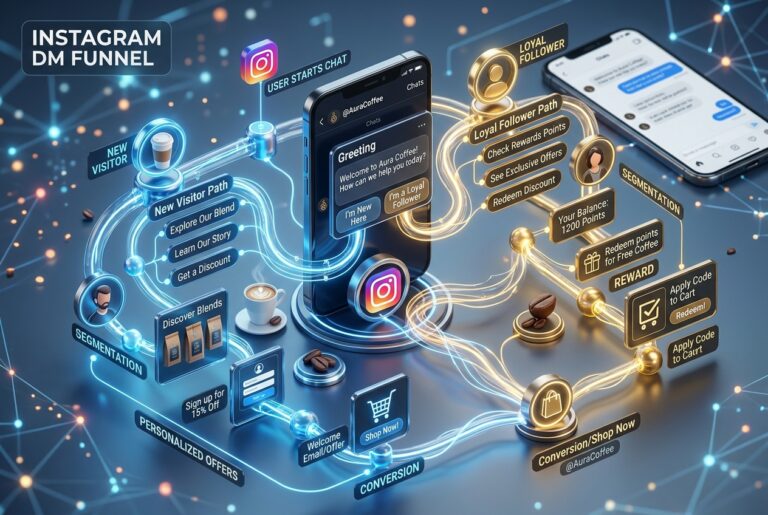
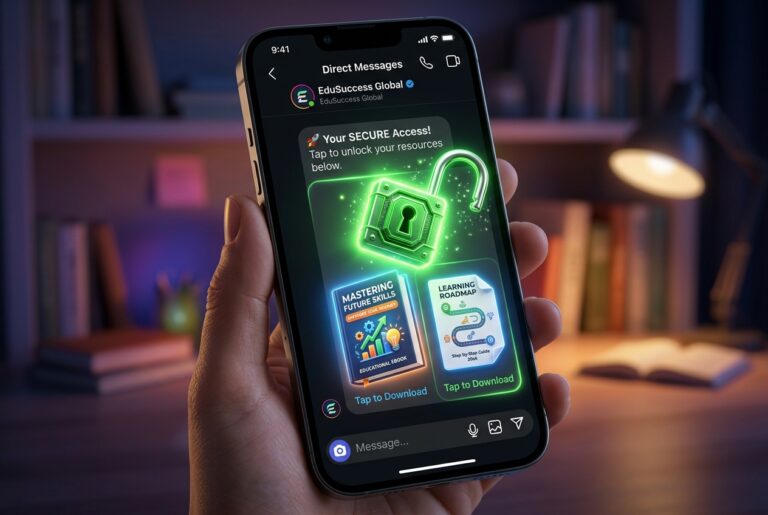
Friction kills conversion funnels. If a follow gate requires tedious steps, users abandon the chat. Shoppers must be able to follow the profile and instantly tap a confirmation button to unlock their link in real time.
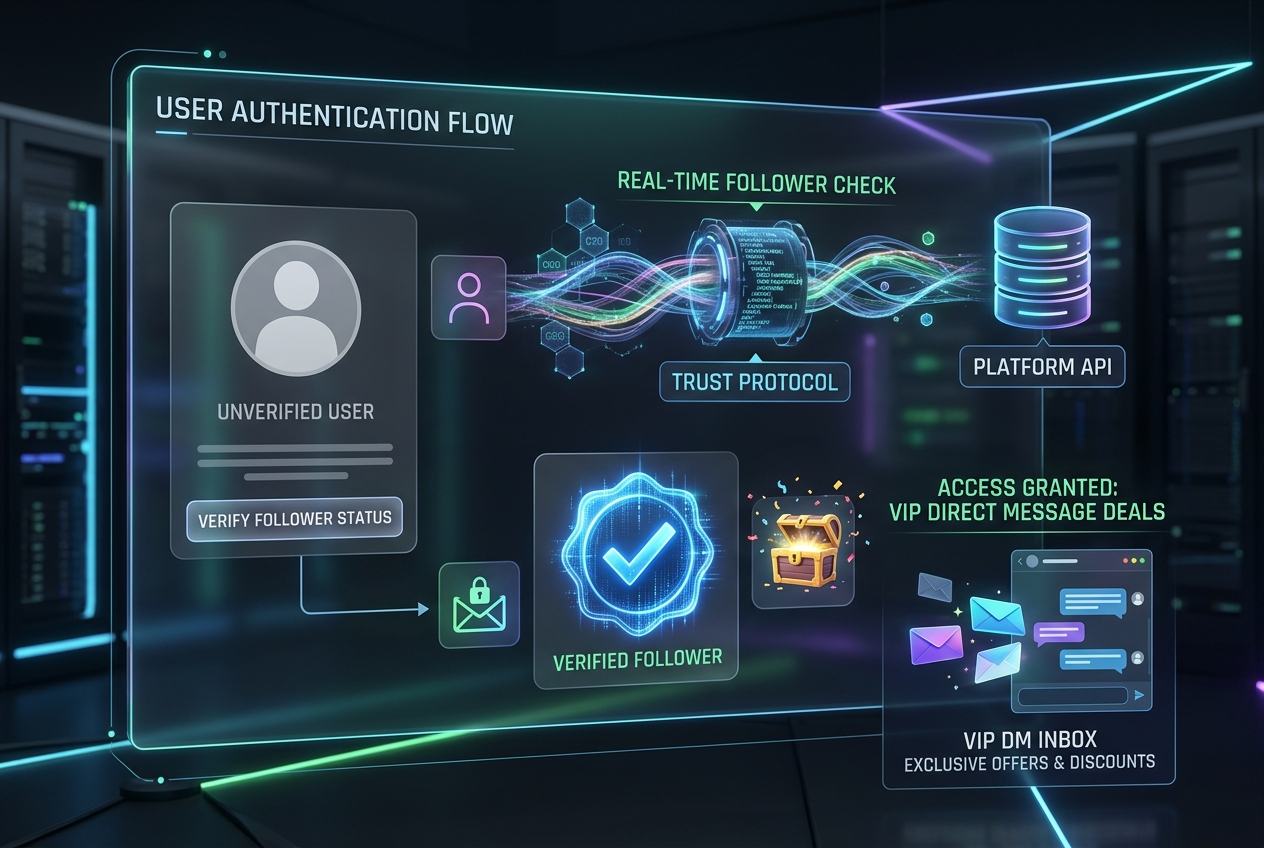
Odirect structures this via Meta official Button Templates: the customer views the profile link, hits follow, and taps ‘Check Status’. Odirect webhook confirms the status and delivers the reward in under one second.
2. Performance Comparison: Manual Handling vs. Odirect Automation
| Metric & Capability | Traditional Manual Handling | Odirect Official Automation |
|---|---|---|
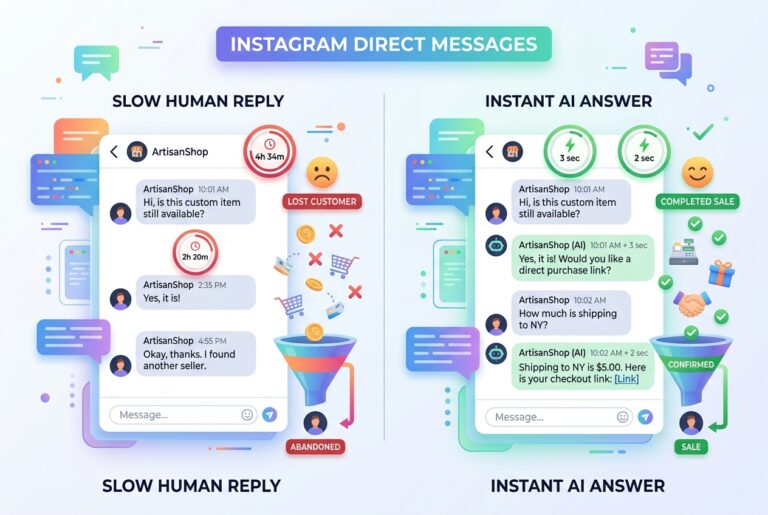
| Interactive In-Chat Follow Re-Check | Relying on manual honor system or wasting hours manually cross-checking | Instant server-side verification triggered immediately by button postback click |
| Security & Meta Compliance | High risk of spam action blocks and credential fatigue | 100% compliant via official Meta Graph API webhooks |
| Response Velocity & Conversion Rate | Delayed by hours; customer dopamine cools and sales drop | Under 2 seconds; captures impulse purchases instantly |
3. Step-by-Step Implementation Guide
- Design initial gate message with direct profile navigation URL
- Attach interactive verification postback button
- Map successful verification handler to release the restricted resource payload
- Preview on mobile device to verify smooth conversational UX
4. Frequently Asked Questions
Do these buttons work on both iOS and Android?
Yes, Meta official button templates render natively on all supported mobile platforms.
What happens if the user taps the button without following?
A polite message prompts: ‘Verification not detected yet, please hit follow and tap again!’