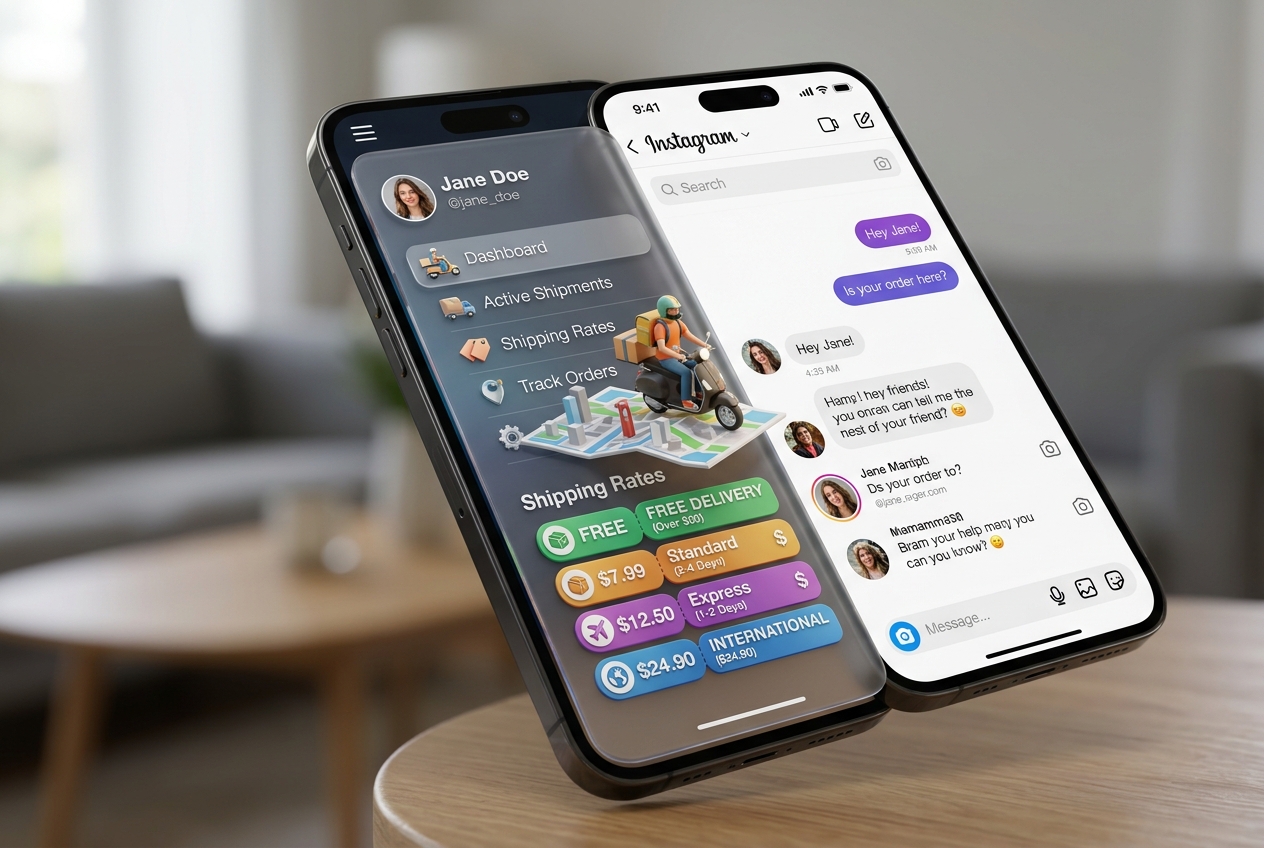
Configuring Persistent Menus for Shipping Costs and Delivery FAQs in Instagram
Step-by-step setup of Instagram Persistent Menus to give customers permanent access to shipping policies and quick answers.
1. Strategic Overview & Operational Challenge
Buyers frequently ask about delivery fees and timelines at odd hours. Persistent menus allow customers to access these answers without typing a word.
Odirect’s Persistent Menu sits permanently at the bottom of the conversation window, delivering shipping tiers and express rates in one click.
2. Performance Comparison: Manual Handling vs. Odirect Automation
| Metric & Capability | Traditional Manual Handling | Odirect Official Automation |
|---|---|---|
| Always-Available Persistent Menu Navigation | Manually answering ‘How much is shipping?’ hundreds of times daily | Permanent bottom-bar buttons for shipping rates, tracking, and manager contact |
| Security & Meta Compliance | High risk of spam action blocks and credential fatigue | 100% compliant via official Meta Graph API webhooks |
| Response Velocity & Conversion Rate | Delayed by hours; customer dopamine cools and sales drop | Under 2 seconds; captures impulse purchases instantly |
3. Step-by-Step Implementation Guide
- Access Persistent Menu configuration inside Odirect
- Add an action item titled ‘Shipping Rates & Times’
- Craft clear breakdowns for standard and express courier options
- Verify menu rendering across mobile devices
4. Frequently Asked Questions
Does Persistent Menu function across all smartphones?
Yes; it is a native Meta Messenger API feature supported on updated apps.
What is the maximum item count in Persistent Menu?
Meta allows up to 3 top-level navigation items.