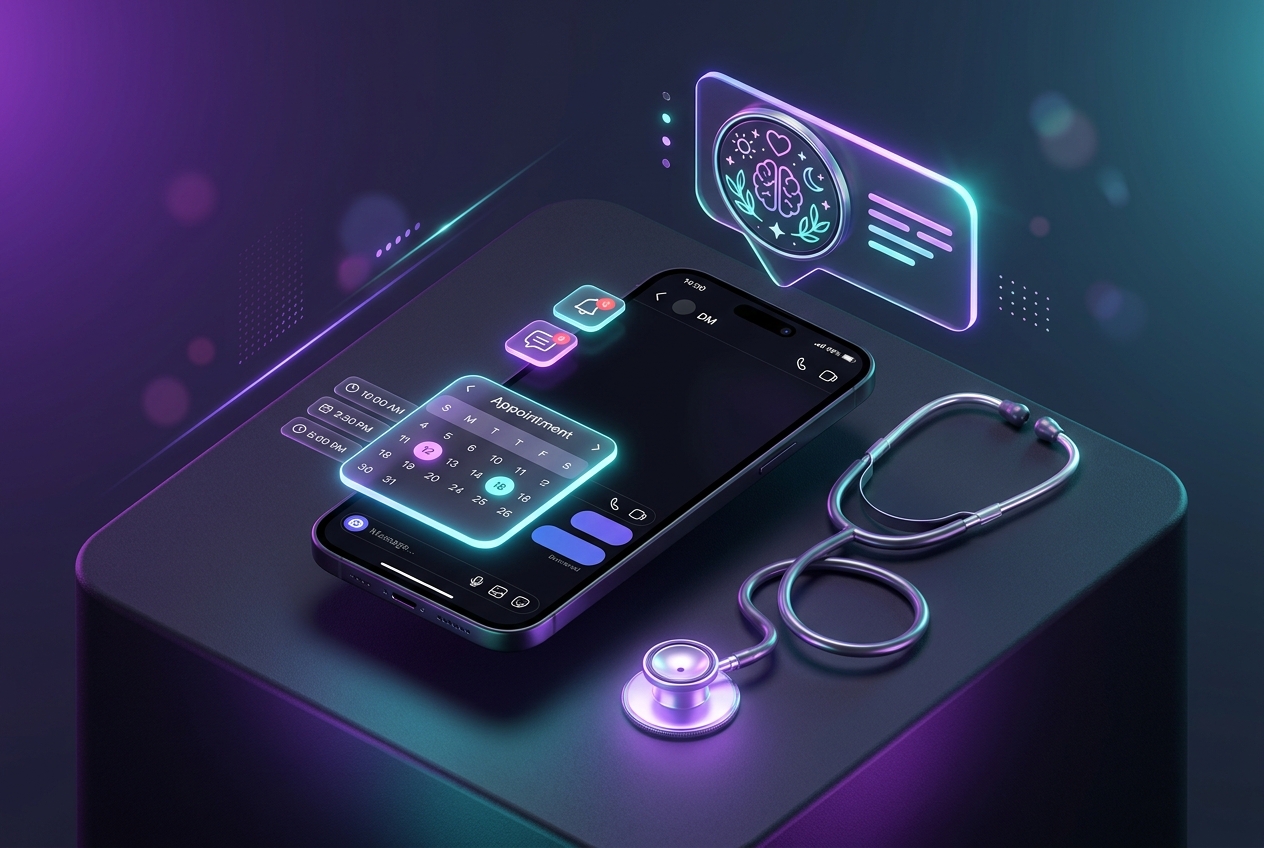
Automating Patient Screening and Clinical Consultation Booking via Instagram DMs
How health professionals streamline intake inquiries and book qualified patient appointments automatically.
1. Strategic Overview & Operational Challenge
Patients reaching out after clinic hours require immediate specialty triage and transparent booking instructions.
Odirect automates clinic intake: commenting ‘appointment’ filters medical focus and routes to confirmed booking slots.
2. Performance Comparison: Manual Handling vs. Odirect Automation
| Metric & Capability | Traditional Manual Handling | Odirect Official Automation |
|---|---|---|
| Conversational Intake Screening & Scheduling Links | Clinical staff drowning in repetitive scheduling messages causing patient drop-off | Instant specialty categorization, slot availability display, and calendar booking |
| Security & Meta Compliance | High risk of spam action blocks and credential fatigue | 100% compliant via official Meta Graph API webhooks |
| Response Velocity & Conversion Rate | Delayed by hours; customer dopamine cools and sales drop | Under 2 seconds; captures impulse purchases instantly |
3. Step-by-Step Implementation Guide
- Establish clinical specialties
- Set ‘appointment’ and ‘consult’ triggers
- Screen patient intent via interactive buttons
- Deliver confirmed calendar booking links
4. Frequently Asked Questions
Is patient intake confidential?
Yes; all interactions occur within encrypted private direct messages.
Can staff intervene?
Yes; human receptionists can seamlessly take over chat anytime.