Automating Inquiries When Shoppers Share Contact Details via Include Logic
Capture high-intent leads who drop contact numbers into DMs using Odirect Include matching rules.
1. Strategic Overview & Operational Challenge
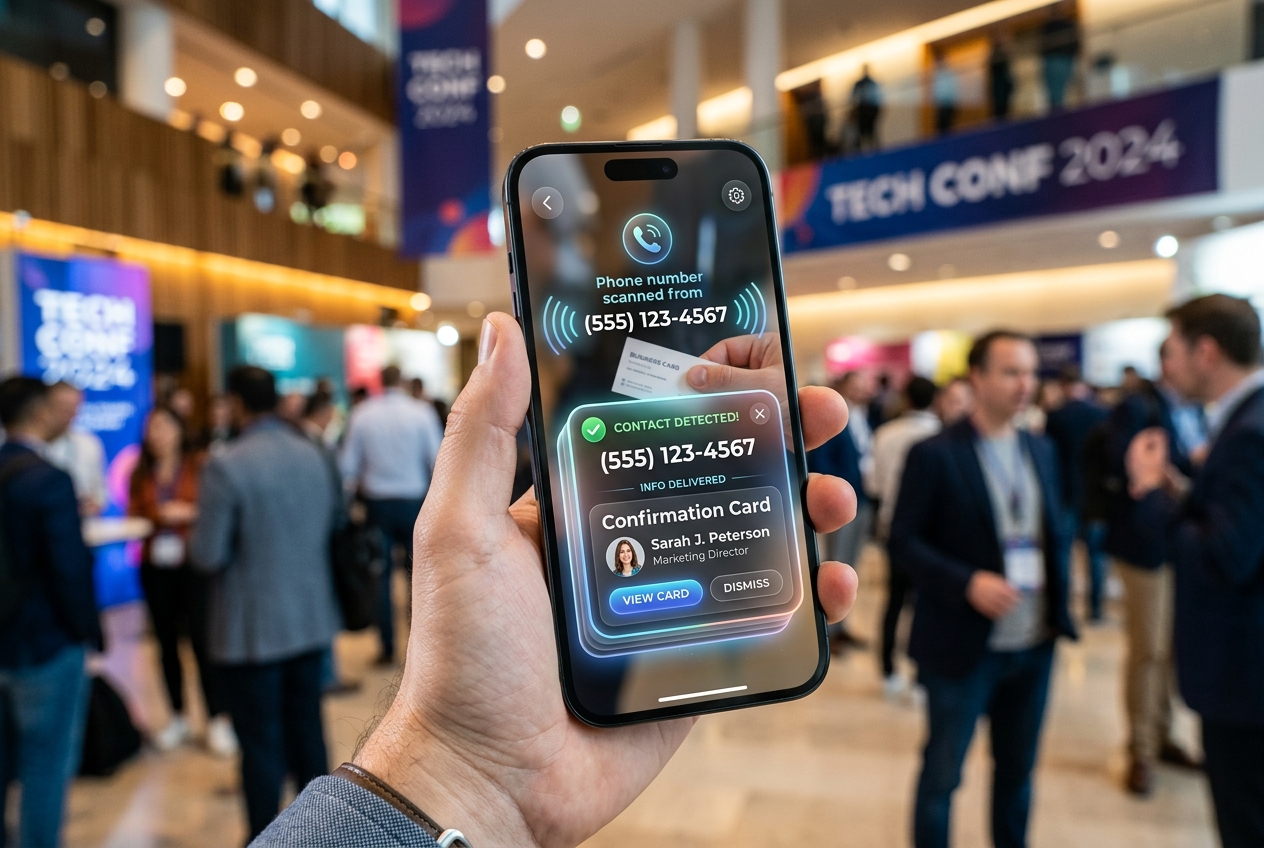
Prospects who send phone numbers represent high-intent revenue. Any delay in acknowledging their contact details results in lost sales.
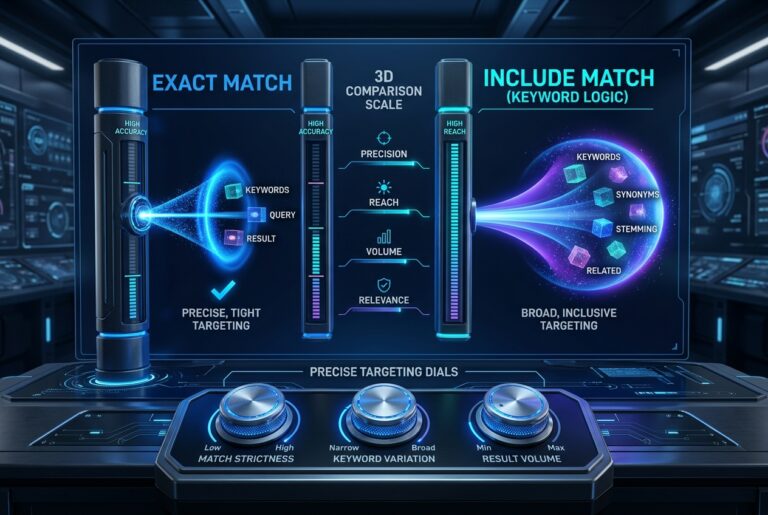
By assigning keywords like ‘phone’, ‘call’, ‘consultation’ with Include matching, Odirect immediately confirms receipt with a structured confirmation card.
2. Performance Comparison: Manual Handling vs. Odirect Automation
| Metric & Capability | Traditional Manual Handling | Odirect Official Automation |
|---|---|---|
| Lead Capture via Include Matching | Customer phone numbers buried and neglected in flooded inboxes | Sub-2-second confirmation acknowledging contact info and next steps |
| Security & Meta Compliance | High risk of spam action blocks and credential fatigue | 100% compliant via official Meta Graph API webhooks |
| Response Velocity & Conversion Rate | Delayed by hours; customer dopamine cools and sales drop | Under 2 seconds; captures impulse purchases instantly |
3. Step-by-Step Implementation Guide
- Create KEYWORD_DM automation with Include match type
- Add trigger phrases related to consultation and calls
- Draft outbound confirmation message with clear guidance
- Activate the rule
4. Frequently Asked Questions
Does it detect keywords inside lengthy sentences?
Yes, Include logic evaluates the entire message body.
Can we provide a link to our web registration form?
Yes, via native Button Templates.