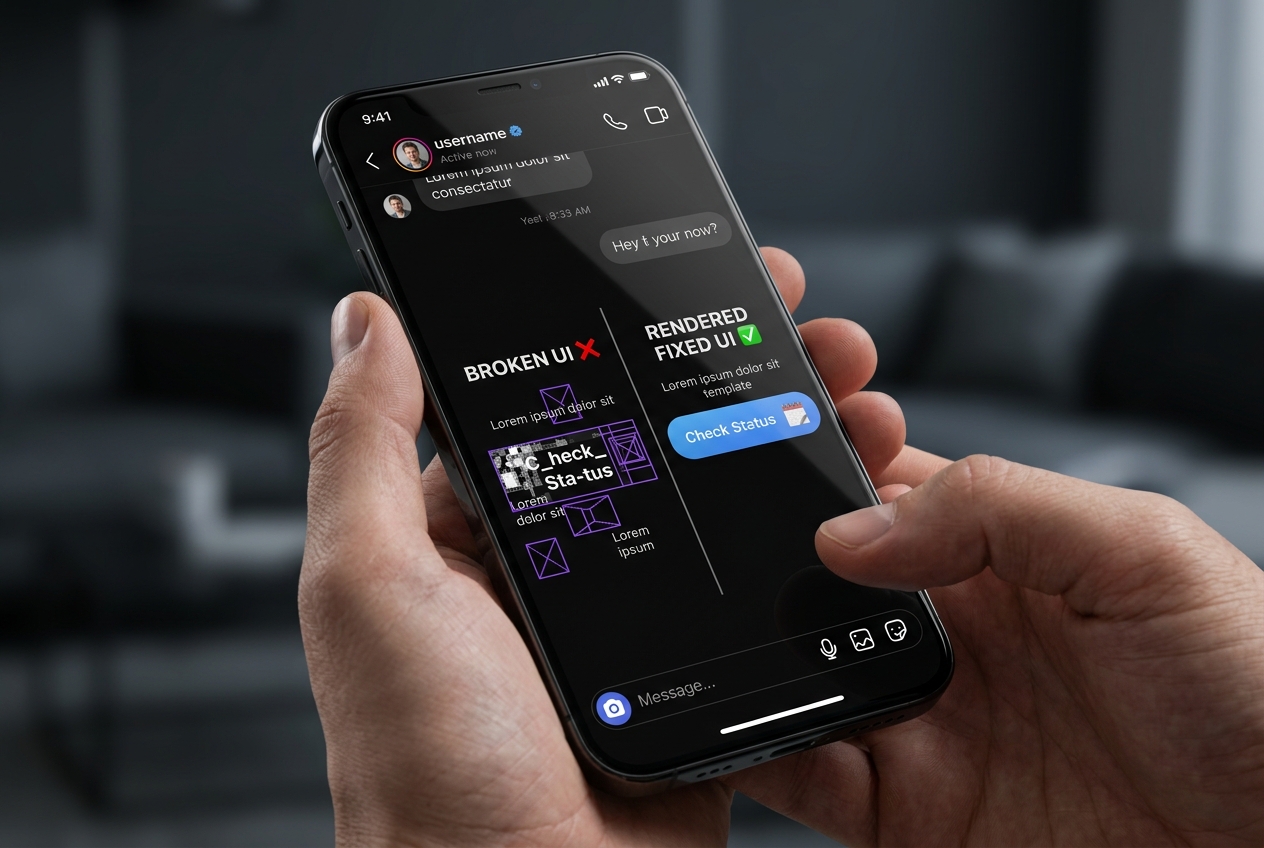
Why Instagram Button Templates Fail to Render on Mobile Devices
Debug mobile rendering failures for interactive button templates inside Instagram direct messaging.
1. Strategic Overview & Operational Challenge
Interactive button templates provide the cleanest bridge from direct chat to external checkout. Yet developers often discover that while the text payload arrives, the action buttons disappear completely on mobile.
The culprit almost always violates Meta Graph payload specs: omitting secure https:// prefixes, exceeding the 3-button-per-template cap, or surpassing the strict 20-character label ceiling.
2. Performance Comparison: Manual Handling vs. Odirect Automation
| Metric & Capability | Traditional Manual Handling | Odirect Official Automation |
|---|---|---|
| Standard Button Template Rendering | Plain-text links cluttering the chat and tanking conversion rates | Strict JSON schema compliance formatted for native Meta webview rendering |
| Security & Meta Compliance | High risk of spam action blocks and credential fatigue | 100% compliant via official Meta Graph API webhooks |
| Response Velocity & Conversion Rate | Delayed by hours; customer dopamine cools and sales drop | Under 2 seconds; captures impulse purchases instantly |
3. Step-by-Step Implementation Guide
- Verify all destination URLs strictly begin with valid, reachable https:// prefixes
- Cap interactive buttons to a maximum of 3 options per template payload
- Keep button labels strictly under 20 characters to satisfy client layout limits
- Ensure testing devices run updated versions of the official Instagram app
4. Frequently Asked Questions
What is the maximum button count for Button Templates?
Meta allows up to 3 buttons per Button Template and up to 3 buttons per Generic Template carousel element.
Are third-party short links allowed inside button URLs?
Aggressive URL shorteners may trigger Meta spam alarms; routing directly to your primary HTTPS domain is recommended.