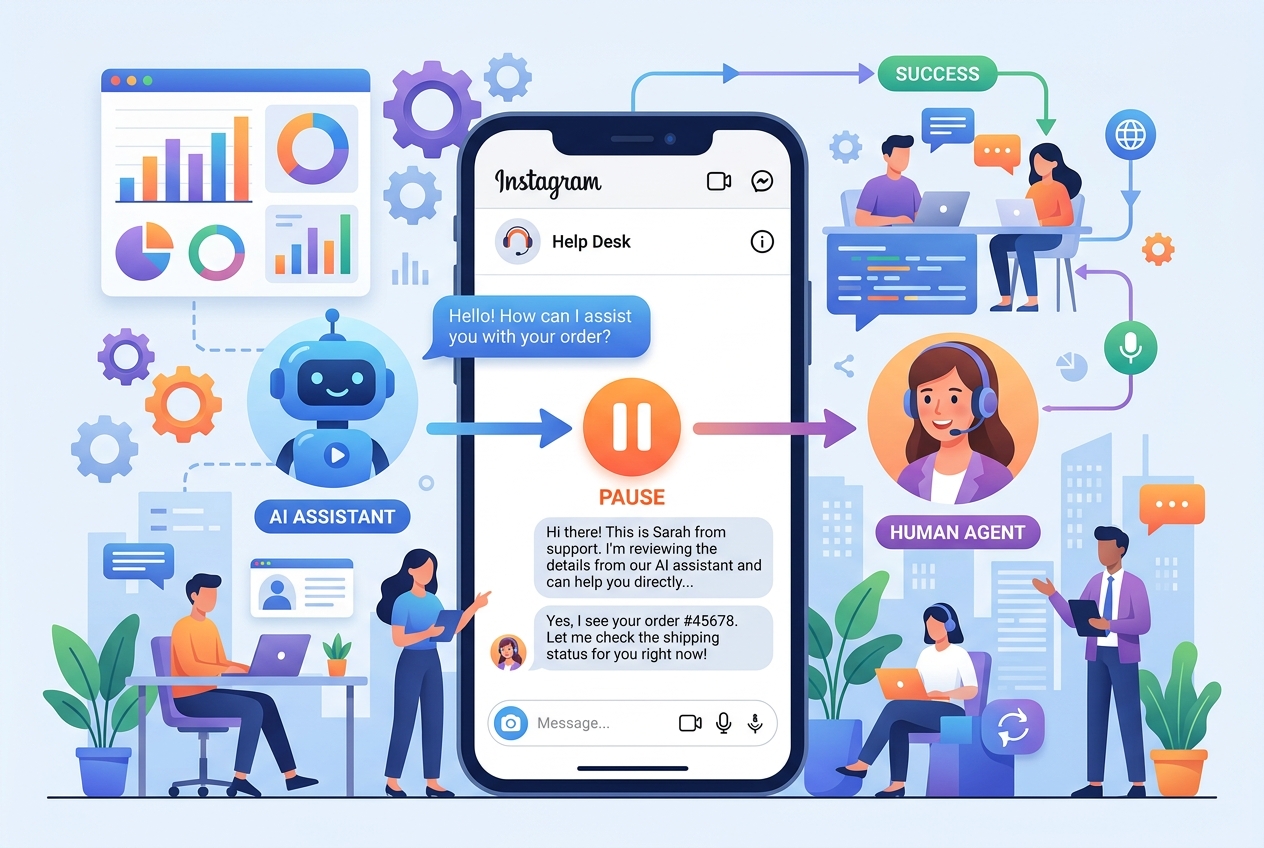
The Essential Pre-Flight Checklist for Connecting Instagram Business Profiles
A step-by-step pre-flight onboarding guide ensuring your Instagram professional account and Meta assets are configured for flawless webhook communication.
1. Strategic Overview & Operational Challenge
Deploying official webhooks requires precise account setup. Overlooking settings like ‘Allow Access to Messages’ prevents automation engines from receiving inbound events.
By adhering to this straightforward pre-flight guide, ensure your Instagram Business profile satisfies all Meta requirements for uninterrupted automation.
2. Performance Comparison: Manual Handling vs. Odirect Automation
| Metric & Capability | Traditional Manual Handling | Odirect Official Automation |
|---|---|---|
| Standardized Connection Framework | Confusion around permissions leading to recurring webhook connection drops | Seamless 3-step onboarding flow connecting profiles in under 5 minutes |
| Security & Meta Compliance | High risk of spam action blocks and credential fatigue | 100% compliant via official Meta Graph API webhooks |
| Response Velocity & Conversion Rate | Delayed by hours; customer dopamine cools and sales drop | Under 2 seconds; captures impulse purchases instantly |
3. Step-by-Step Implementation Guide
- Switch account from Personal to Professional Business inside Instagram settings
- Link Instagram profile to an administrative Facebook Business Page
- Enable ‘Allow Access to Messages’ under Instagram Connected Tools settings
- Log in to Odirect and complete 1-click Meta OAuth authentication
4. Frequently Asked Questions
Are Creator accounts supported?
Yes, both Business and Creator professional tiers are supported.
Is a Facebook Page required?
Yes, Meta Graph API mandates that professional Instagram accounts connect to a Facebook Page.