Handling Non-Followers in DMs: Sending Friendly Follow Prompts with Button Templates
Master the copywriting and UI layout of follow-request messages to achieve 90%+ follow-through without offending visitors.
1. Strategic Overview & Operational Challenge
Blunt automated messages stating ‘Access denied: You must follow first’ frustrate potential customers. Follow invitations must be polite, emphasizing exclusive member benefits, member discounts, and seamless navigation.
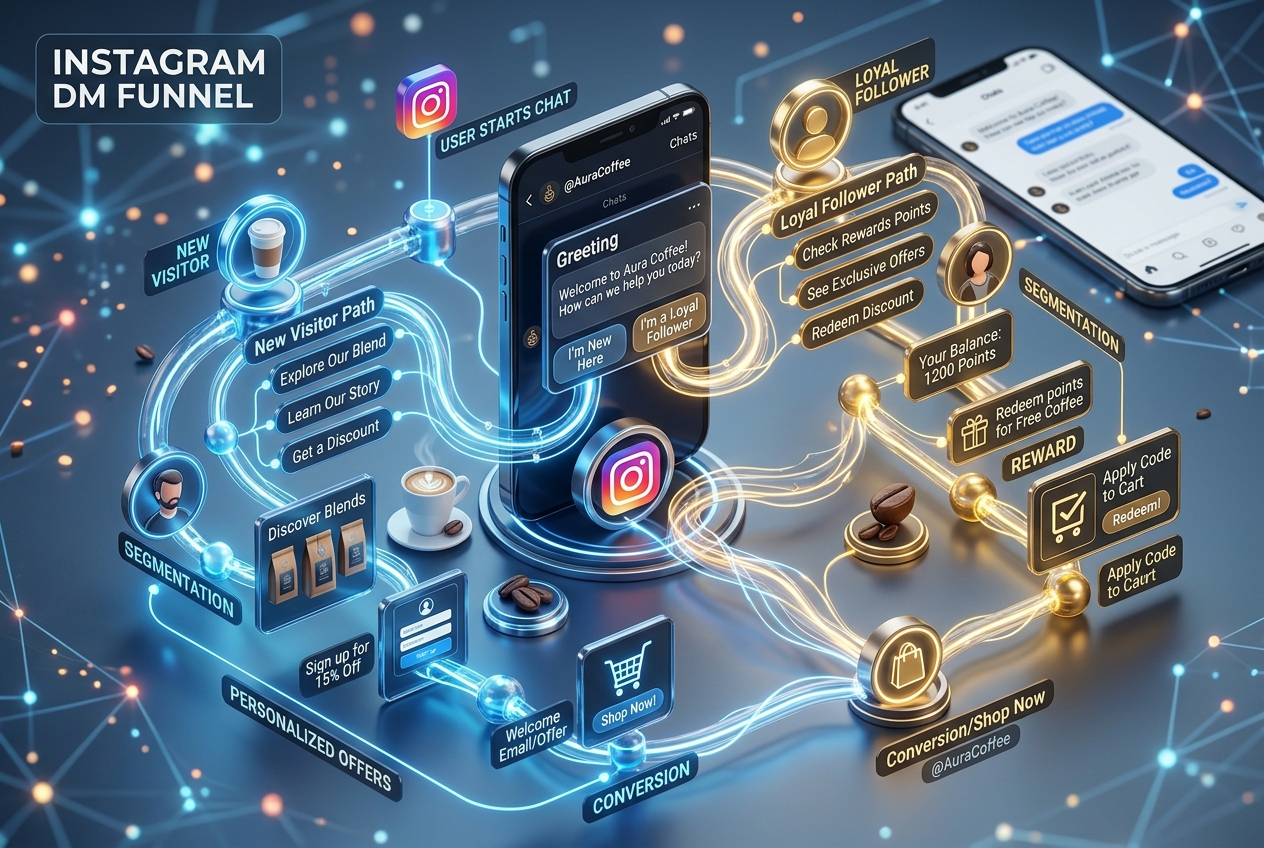
Using Odirect Button Templates, craft an inviting non-follower response highlighting immediate value: ‘Welcome! Follow our community to unlock this lookbook and access VIP seasonal promos’, supported by two clean interactive action buttons.
2. Performance Comparison: Manual Handling vs. Odirect Automation
| Metric & Capability | Traditional Manual Handling | Odirect Official Automation |
|---|---|---|
| Segmented Non-Follower Messaging | Identical blunt text sent to everyone; high friction and user drop-off | Polite high-converting UI card with instant profile navigation button |
| Security & Meta Compliance | High risk of spam action blocks and credential fatigue | 100% compliant via official Meta Graph API webhooks |
| Response Velocity & Conversion Rate | Delayed by hours; customer dopamine cools and sales drop | Under 2 seconds; captures impulse purchases instantly |
3. Step-by-Step Implementation Guide
- Draft welcoming follow invitation highlighting clear incentives
- Add direct profile webview button for instant 1-tap following
- Add secondary postback button titled ‘Check & Unlock’
- Test the sequence to verify friction-free mobile interaction
4. Frequently Asked Questions
Does the button open the Instagram profile directly?
Yes, tapping the profile button navigates instantly to the business profile inside the app.
Can images be included in this message?
Yes, combine with an attachment or generic template card for visual appeal.