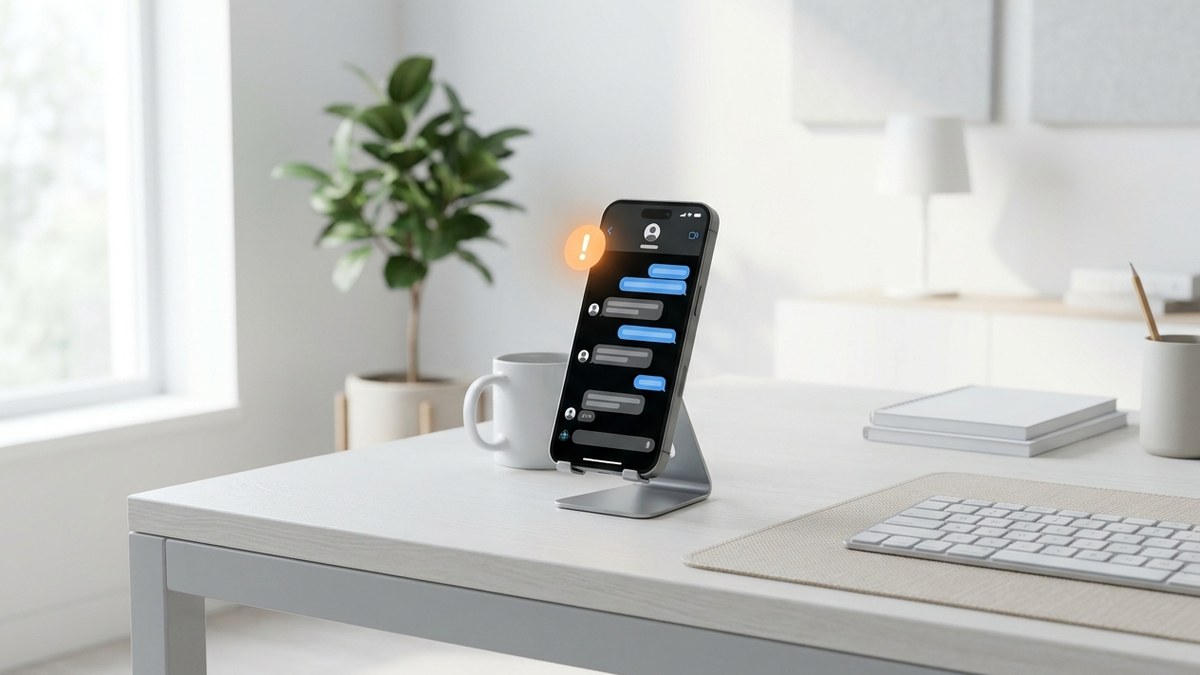
Fixing the Red Exclamation Delivery Error in Instagram Direct Messages
Why Do Red Exclamation Delivery Marks Appear on Instagram Direct Messages?
One of the most frustrating obstacles faced by social commerce moderators is the sudden appearance of a red exclamation badge alongside an outbound direct message, accompanied by the “Failed to Send” modal. Critical sales conversations stall instantly, forcing operators into repetitive manual retry cycles.
This warning indicates a fatal interruption between your local mobile device and Meta’s edge servers. The underlying breakdown typically stems from unstable network routing, unformatted message payloads, or concurrent session conflicts.
4 Core Technical Triggers Behind Direct Message Delivery Failures
- Mobile Network Latency & VPN Drops: Mobile sessions relying on fluctuating proxy tunnels frequently drop packet acknowledgments mid-flight.
- Oversized Message Payload Lengths: Attempting to transmit massive text descriptions and product lists in a single block violates payload length constraints.
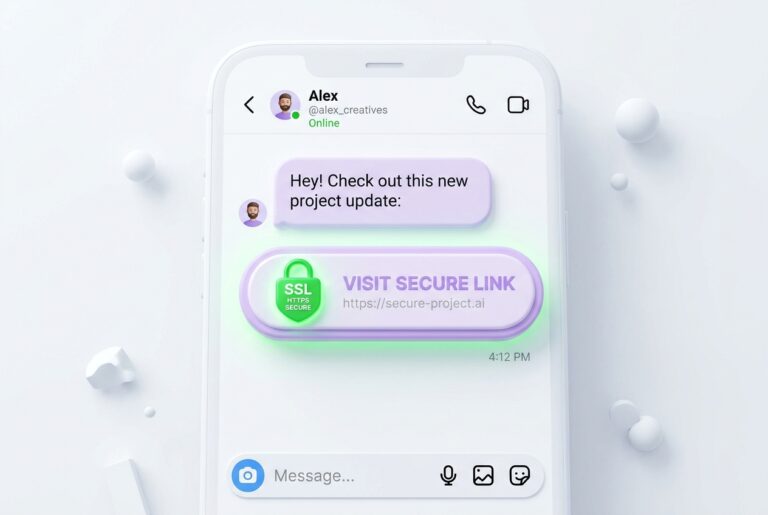
- Unverified Plaintext External Hyperlinks: Meta’s automated safety filters routinely suppress direct messages containing raw external URLs to protect against spam vectors.
- Simultaneous Multi-Device Collisions: When multiple customer care staff members attempt to reply inside the same conversation thread simultaneously, session sockets conflict.
How Odirect Eliminates Delivery Failure Failures Entirely
Odirect completely decouples your messaging pipeline from vulnerable mobile hardware. Operating from high-bandwidth cloud clusters, message dispatch bypasses local network fluctuations. Furthermore, external links are encapsulated natively inside verified Button Templates, bypassing plaintext spam heuristics and guaranteeing reliable delivery.
Comparison: Fragile Mobile Messaging vs. Cloud Automation
| Messaging Attribute | Manual Mobile App Dispatch | Odirect Enterprise Cloud Infrastructure |
|---|---|---|
| Delivery Reliability | Frequent drops upon local network disruption | 99.9% uptime backed by enterprise SLAs |
| External URL Presentation | Raw text URLs prone to spam blocking | Official native CTA buttons approved by Meta |
| High-Volume Concurrency | App crashes and freezes during flash sales | Instantaneous multi-threaded parallel queues |
Step-by-Step Triage for Mobile Direct Message Errors
- Clear local device application cache within mobile system settings.
- Refresh network routing and verify outbound internet latency.
- Replace raw external text links with structured interactive cards.
Frequently Asked Questions
Does the recipient see the message if a red badge appears?
No. The red exclamation signifies that the payload never reached Meta’s ingestion gateway. The recipient sees zero incoming content.
How does Odirect verify delivery confirmation?
Odirect processes real-time delivery status webhooks directly from Meta, ensuring every single message is verified as handed off to the user’s client.
Practical implementation roadmap
To put “Fixing the Red Exclamation Delivery Error in Instagram Direct Messages” into practice, define the problem in the customer’s language and separate verified information from details requiring human review. This boundary prevents unsupported promises and clarifies which answers can be reused. Match the entry point to real customer behavior; do not force unrelated needs into one journey.
1. Record a baseline
For several days, record sample questions, required answers, and cases that need an operator. Keep personal information out of shared templates. Group questions into a few needs and note the approved reply, review owner, and last-checked date. This makes later comparison more reliable than relying on impressions.
2. Design a clear path
Write a concise opening reply for each need that directly answers the question. Label choices precisely and remove redundant options. Make the next step explicit: view details, choose a product, or contact support. A link should lead to a relevant destination and work on mobile. Read the copy from the perspective of a first-time visitor.
3. Test before enabling
Use a test account to check the main phrase, common variations, similar but unrelated input, repeated messages, and every button. Follow the journey end to end to find duplicates or dead ends. Test comment and Story-reply entry paths separately where relevant, and record the results.
Measure quality and decide what to improve
Connect measures to the goal: did customers find the answer, repeat the question, use the next link or option, or need human help? Compare equivalent periods and note simultaneous changes such as campaigns or holidays. If clicks are low, review the destination and clarity of the action; if questions repeat, the reply may be incomplete. Do not generalize from a small sample.
Pre-launch quality checklist
| Area | Control question | Correction |
|---|---|---|
| Accuracy | Is the information approved? | Review and set next check date |
| Clarity | Is the next step obvious? | Simplify copy or button |
| Trigger fit | Does input match this reply? | Narrow and test examples |
| Exceptions | Can customers reach a person? | Add a clear handoff |
Preventable mistakes
- Do not promise prices, stock, or delivery without a reliable source.
- Do not send one long reply for several different needs.
- Do not publish vague buttons or unchecked links.
- Test a first-time visitor’s experience, not only the account owner’s.
- Do not measure success by message count alone; review answer quality and follow-up.
Illustrative example and limits
Imagine a business receives a recurring question on “Fixing the Red Exclamation Delivery Error in Instagram Direct Messages”. The team gathers approved information, divides the reply into short parts, and creates clear options for distinct requests. It then tests the flow and revises unclear or incomplete steps. This illustrates a process, not a measured result or guarantee of sales growth; outcomes depend on the product, information quality, and customer behavior.
Review and maintain the content
Turn feedback into observations: which phrase was unclear, where did customers leave, what did they ask again, or which link did they not open? Look for causes in copy, journey design, or outdated information. Keep the prior version and change date so it can be restored if the experience worsens. Approve updates to prices, delivery, products, or account policies with the responsible owner. Assign each flow a review owner and next review date.
Related reading
For the next step, see these guides: Official Meta Graph API vs. Unofficial Bots: Why Accounts Get Banned Why Instagram Direct Messages Land in Hidden Requests and How to Prevent It Step-by-Step Guide: Connecting Instagram to Facebook Pages Seamlessly Mastering the Instagram 24-Hour Messaging Window Compliance Rules
این بازبینی را برای نمونههای متنوع، متنهای متفاوت و شرایط واقعی حساب تکرار کنید؛ هر بار یک تغییر را اعمال و نتیجه را ثبت کنید. این بازبینی را برای نمونههای متنوع، متنهای متفاوت و شرایط واقعی حساب تکرار کنید؛ هر بار یک تغییر را اعمال و نتیجه را ثبت کنید. این بازبینی را برای نمونههای متنوع، متنهای متفاوت و شرایط واقعی حساب تکرار کنید؛ هر بار یک تغییر را اعمال و نتیجه را ثبت کنید. این بازبینی را برای نمونههای متنوع، متنهای متفاوت و شرایط واقعی حساب تکرار کنید؛ هر بار یک تغییر را اعمال و نتیجه را ثبت کنید.



One Comment