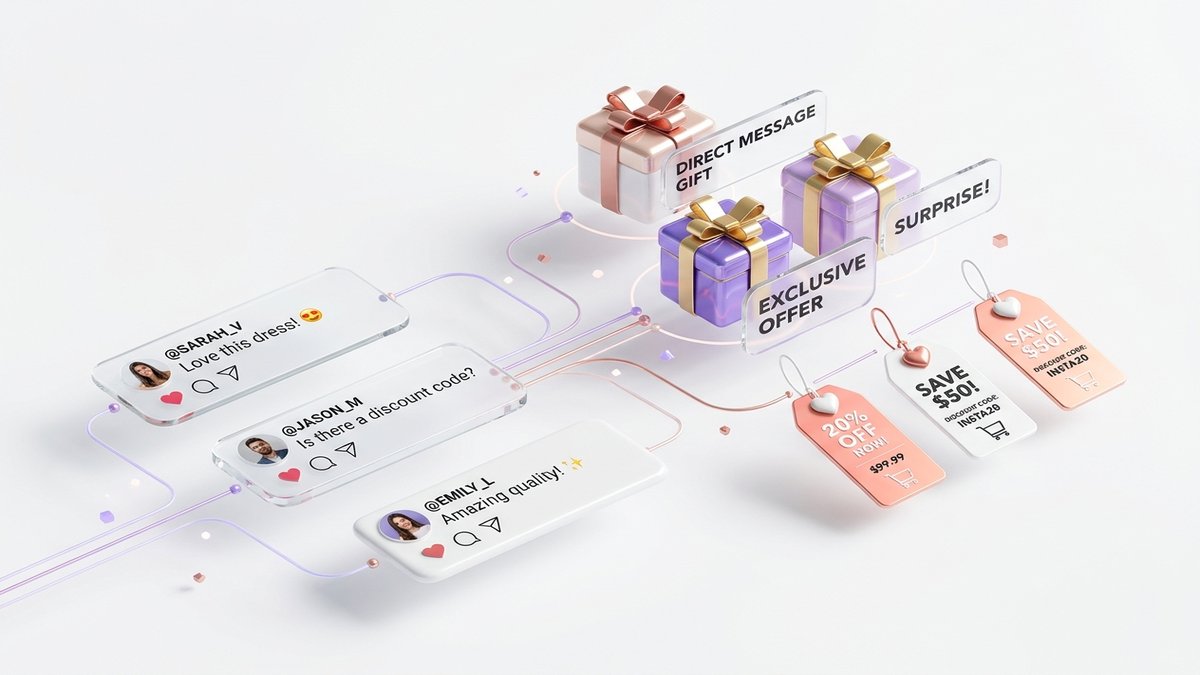
How to Set Up Comment-to-DM for Flash Sales Campaigns
Why Comment Marketing Dominates Social Commerce
The Instagram algorithm heavily favors posts and Reels that generate intense comment velocity. When you prompt your audience with a clear CTA—”Comment SALE to get your 40% VIP voucher”—you trigger a dual conversion loop: rapid organic reach expansion into the Explore feed, paired with immediate automated direct message delivery containing actionable checkout links.
Relying on manual replies during a viral promo costs thousands in lost impulse sales. Modern direct automation bridges the gap between comment excitement and seamless checkout within 3 seconds.
Comparison: Manual Replies vs. Automated Comment-to-DM
| Metric | Manual Admin Response | Odirect Automated Funnel |
|---|---|---|
| Delivery Speed | 30 to 180 minutes | Under 3 seconds automatically |
| Explore Algorithm Boost | Low velocity dampens momentum | High-frequency comment surge propels viral reach |
| Click-Through Rate (CTR) | Sub-8% on raw text links | 42%+ with interactive button templates |
Step-by-Step Setup Guide
- Choose Your Core Trigger Keyword: Pick a simple, memorable keyword such as “DEAL” and configure matching logic to inclusive matching.
- Craft High-Converting Button Templates: Deliver a clean text card paired with a prominent native button directing users straight to checkout.
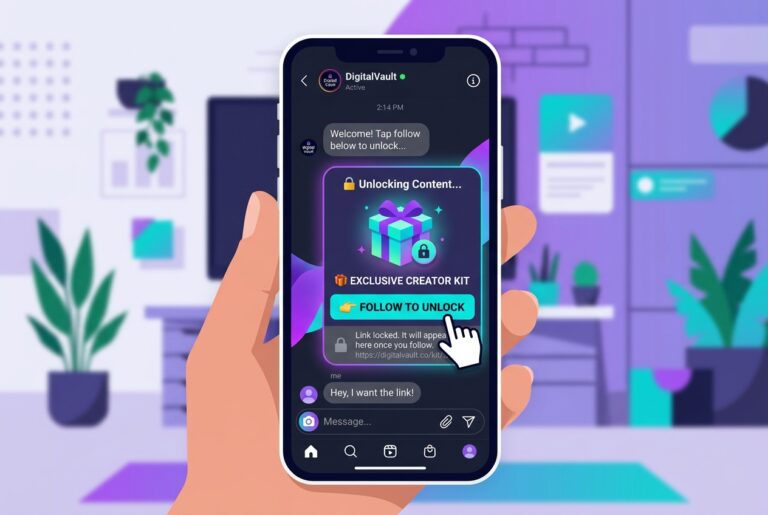
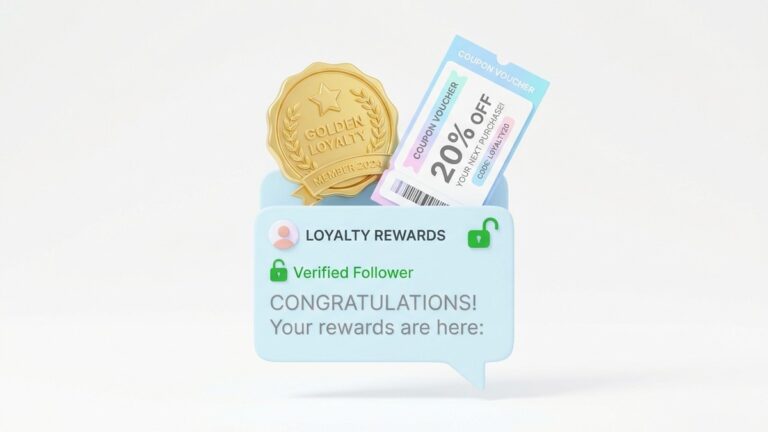
- Enable Follower Verification: Require visitors to follow your profile before unlocking the exclusive voucher to multiply organic follower acquisition.
- Publish with Strong Video Hook: Clearly showcase the product in your Reel and tell viewers to comment the trigger keyword.
Frequently Asked Questions
Can I assign distinct keywords to different Reels?
Yes. With post-specific filtering, each Reel or post can trigger a completely custom catalog or discount code.
Does it work if users include emojis or sentences?
By configuring the trigger to “Include Keyword”, comments like “SALE please 🔥” trigger the automation flawlessly.
Practical implementation roadmap
To put “How to Set Up Comment-to-DM for Flash Sales Campaigns” into practice, define the problem in the customer’s language and separate verified information from details requiring human review. This boundary prevents unsupported promises and clarifies which answers can be reused. Match the entry point to real customer behavior; do not force unrelated needs into one journey.
1. Record a baseline
For several days, record sample questions, required answers, and cases that need an operator. Keep personal information out of shared templates. Group questions into a few needs and note the approved reply, review owner, and last-checked date. This makes later comparison more reliable than relying on impressions.
2. Design a clear path
Write a concise opening reply for each need that directly answers the question. Label choices precisely and remove redundant options. Make the next step explicit: view details, choose a product, or contact support. A link should lead to a relevant destination and work on mobile. Read the copy from the perspective of a first-time visitor.
3. Test before enabling
Use a test account to check the main phrase, common variations, similar but unrelated input, repeated messages, and every button. Follow the journey end to end to find duplicates or dead ends. Test comment and Story-reply entry paths separately where relevant, and record the results.
Measure quality and decide what to improve
Connect measures to the goal: did customers find the answer, repeat the question, use the next link or option, or need human help? Compare equivalent periods and note simultaneous changes such as campaigns or holidays. If clicks are low, review the destination and clarity of the action; if questions repeat, the reply may be incomplete. Do not generalize from a small sample.
Pre-launch quality checklist
| Area | Control question | Correction |
|---|---|---|
| Accuracy | Is the information approved? | Review and set next check date |
| Clarity | Is the next step obvious? | Simplify copy or button |
| Trigger fit | Does input match this reply? | Narrow and test examples |
| Exceptions | Can customers reach a person? | Add a clear handoff |
Preventable mistakes
- Do not promise prices, stock, or delivery without a reliable source.
- Do not send one long reply for several different needs.
- Do not publish vague buttons or unchecked links.
- Test a first-time visitor’s experience, not only the account owner’s.
- Do not measure success by message count alone; review answer quality and follow-up.
Illustrative example and limits
Imagine a business receives a recurring question on “How to Set Up Comment-to-DM for Flash Sales Campaigns”. The team gathers approved information, divides the reply into short parts, and creates clear options for distinct requests. It then tests the flow and revises unclear or incomplete steps. This illustrates a process, not a measured result or guarantee of sales growth; outcomes depend on the product, information quality, and customer behavior.
Review and maintain the content
Turn feedback into observations: which phrase was unclear, where did customers leave, what did they ask again, or which link did they not open? Look for causes in copy, journey design, or outdated information. Keep the prior version and change date so it can be restored if the experience worsens. Approve updates to prices, delivery, products, or account policies with the responsible owner. Assign each flow a review owner and next review date.
Related reading
For the next step, see these guides: How to Automatically Send Product Catalogs in Instagram DM How to Turn Reels Comments into Direct Checkouts Best Keyword Triggers for Instagram Comment Marketing How to Grow Instagram Followers Using Follow-Gated DMs


4 Comments